

TheBB
-
Постов
2 595 -
Зарегистрирован
-
Посещение
-
Победитель дней
69
Тип контента
Профили
Форумы
Галерея
Загрузки
Блоги
События
Весь контент TheBB
-
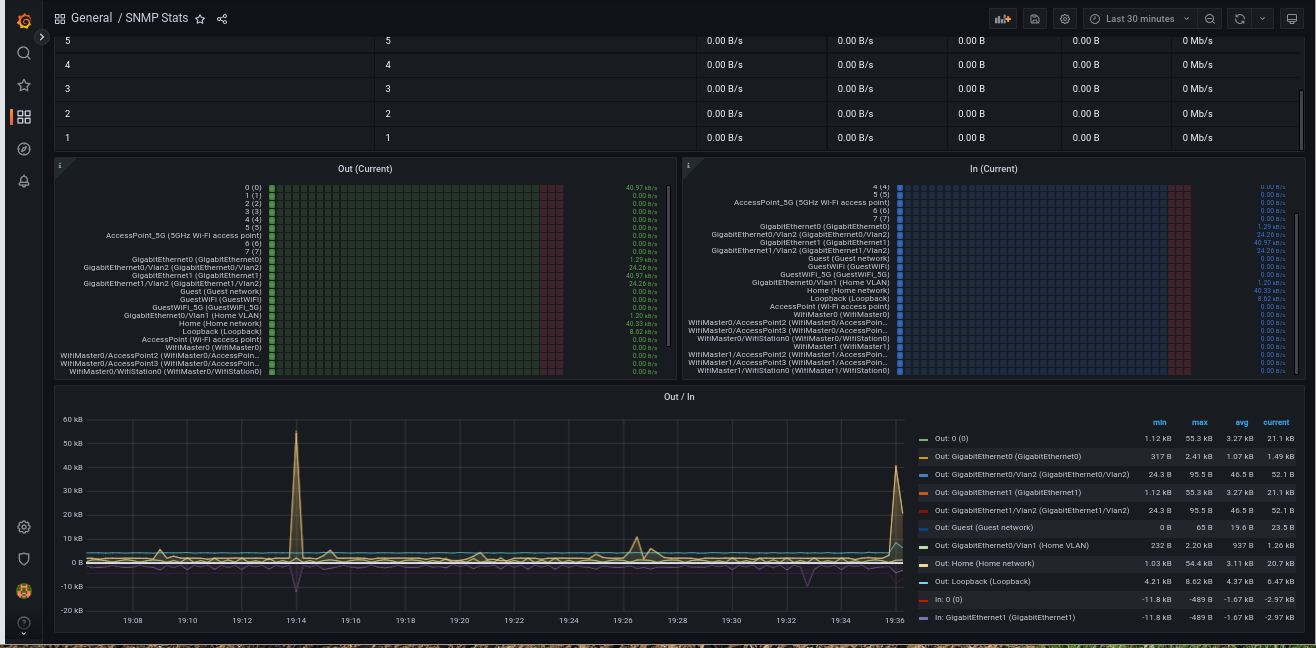
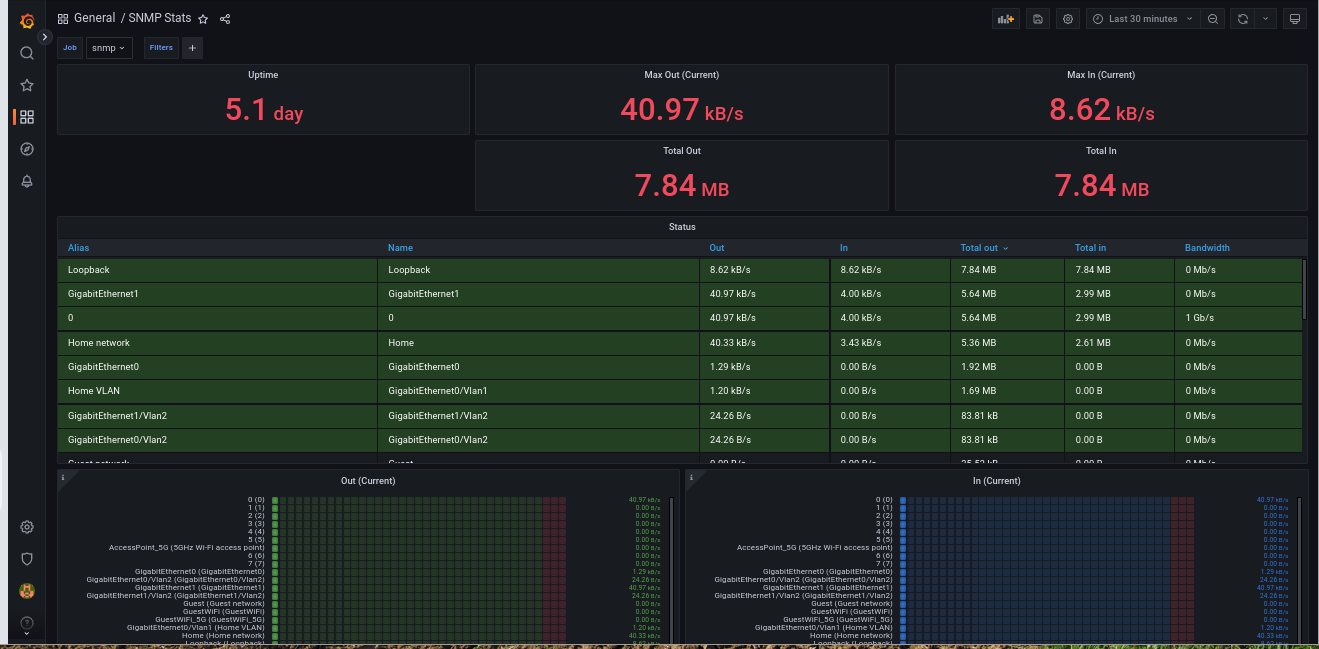
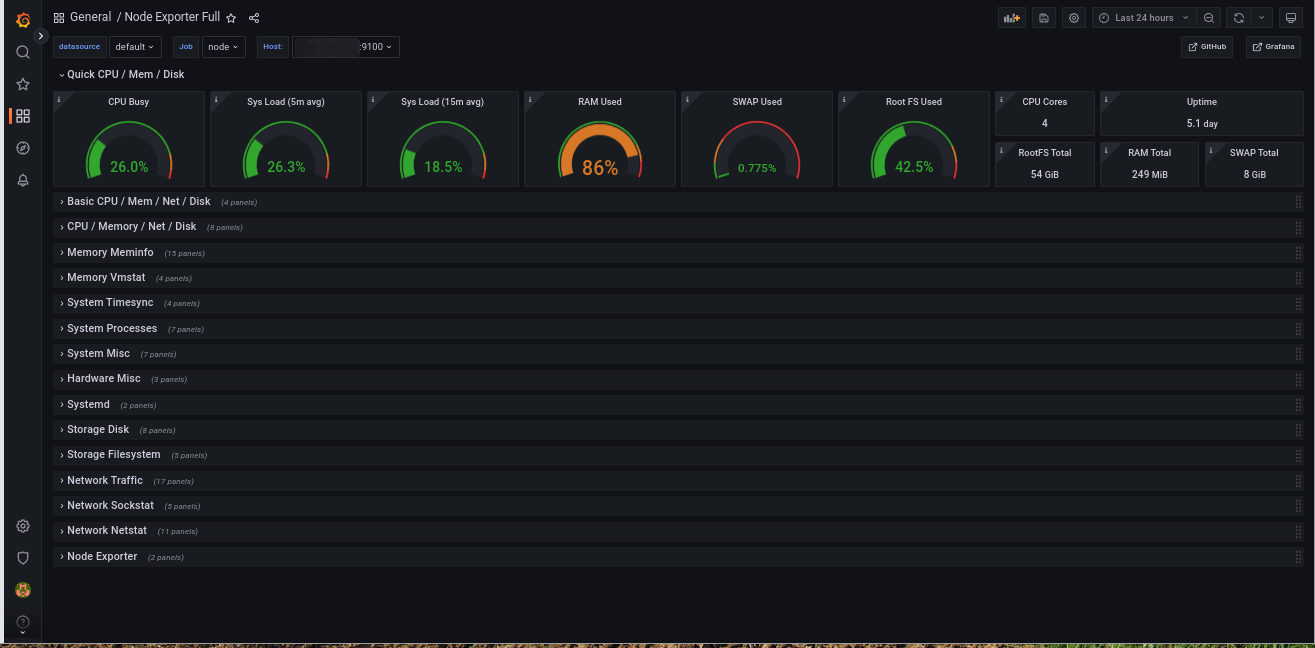
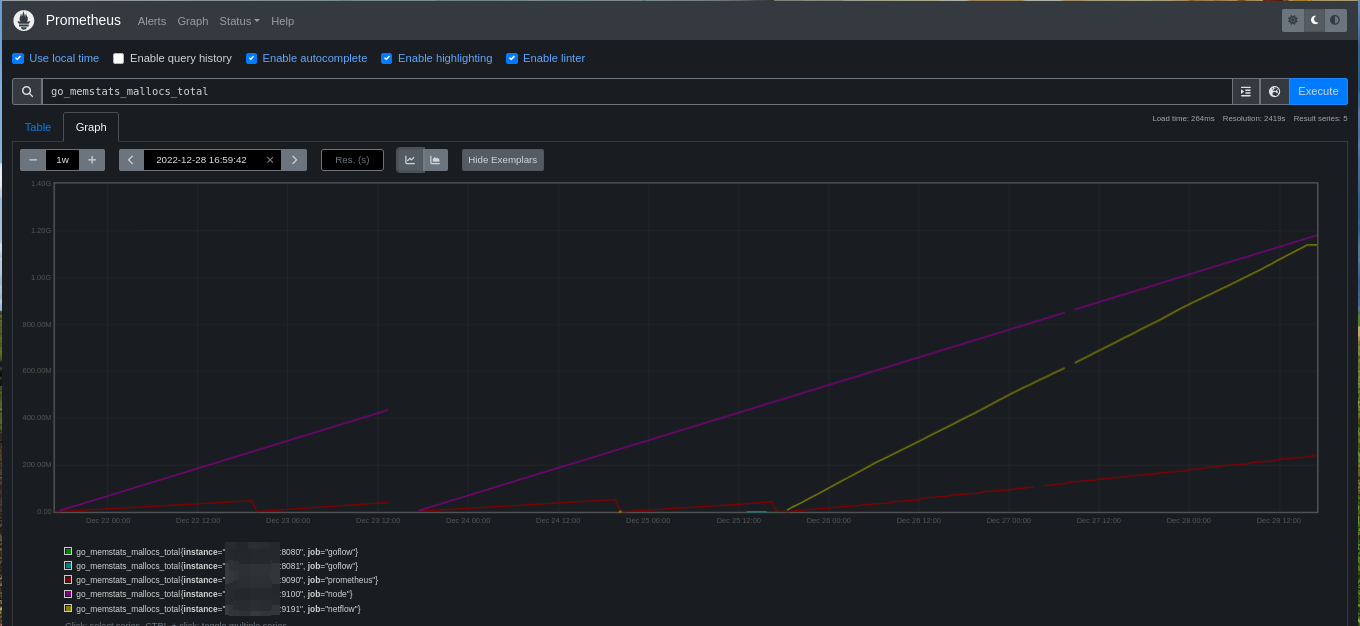
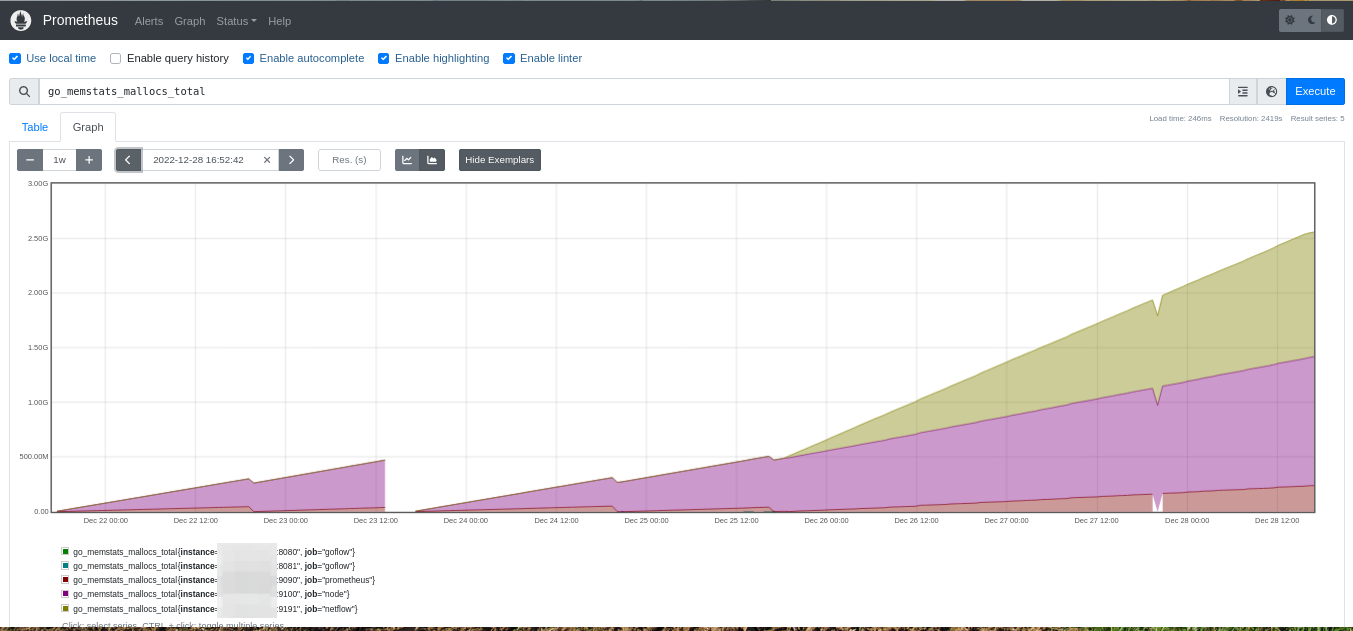
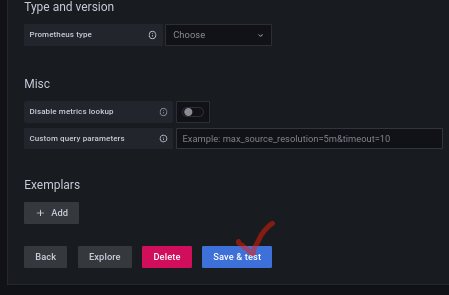
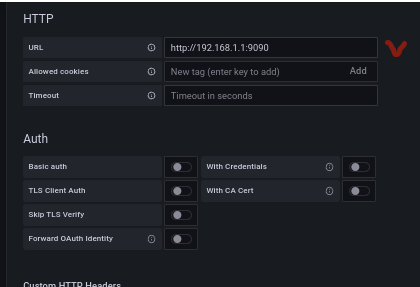
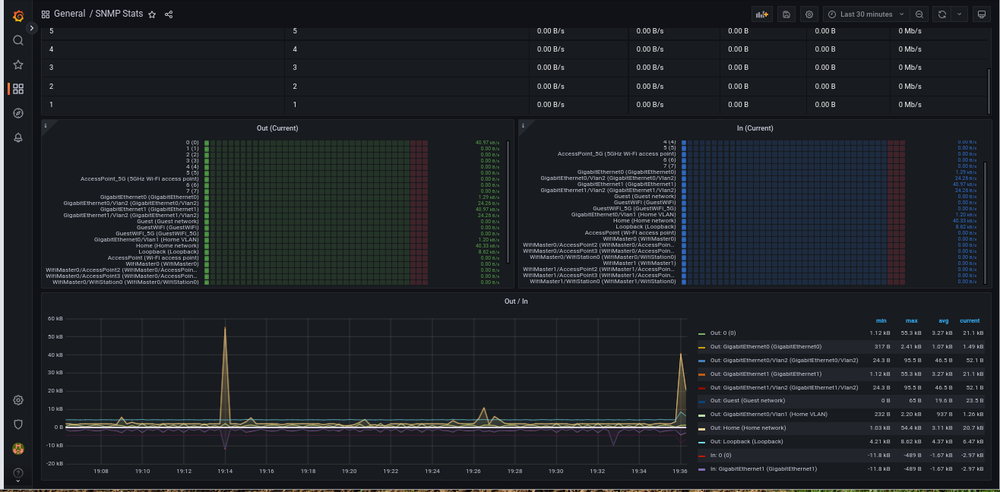
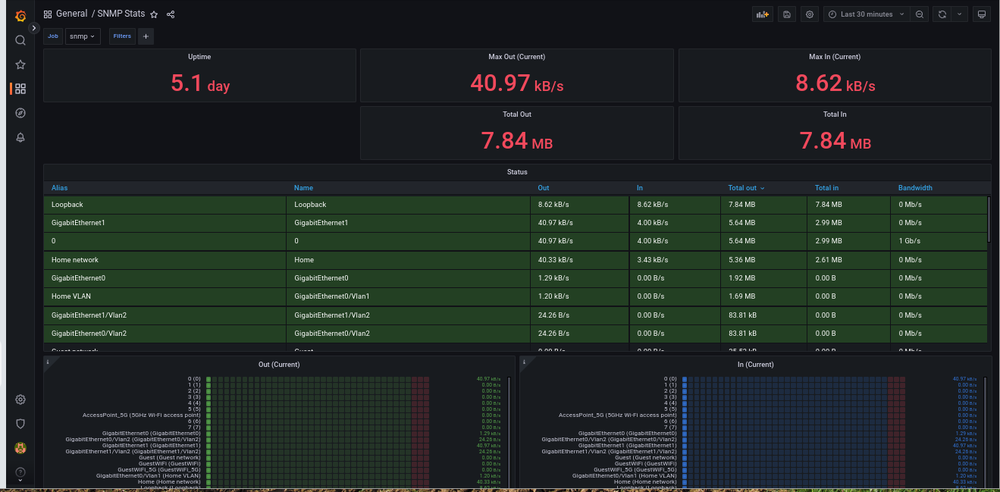
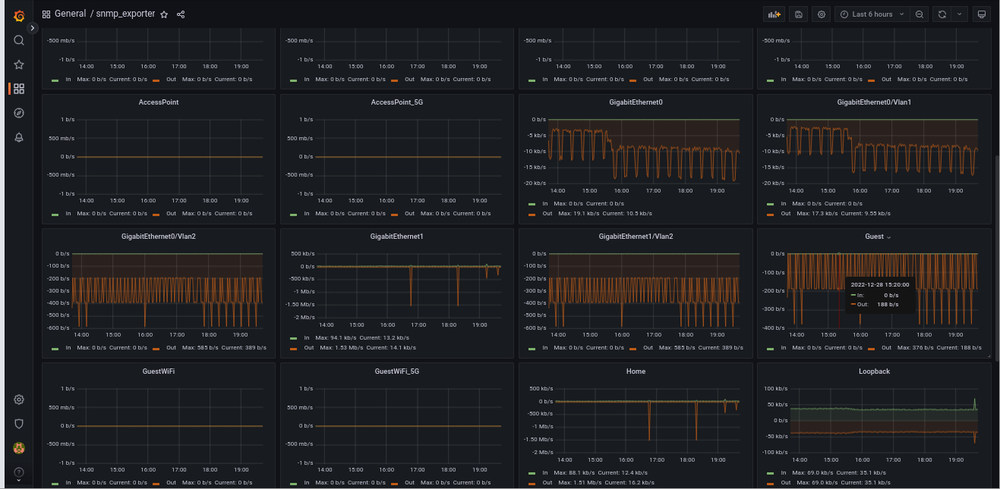
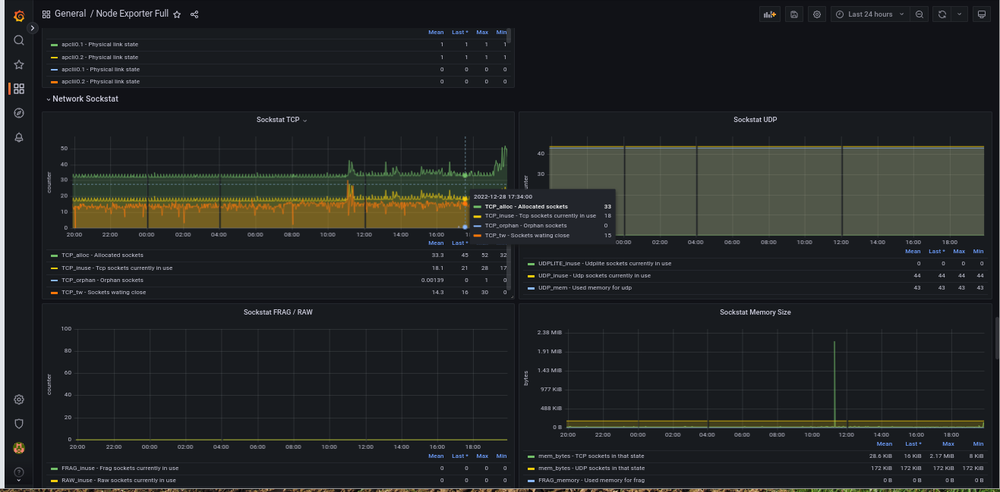
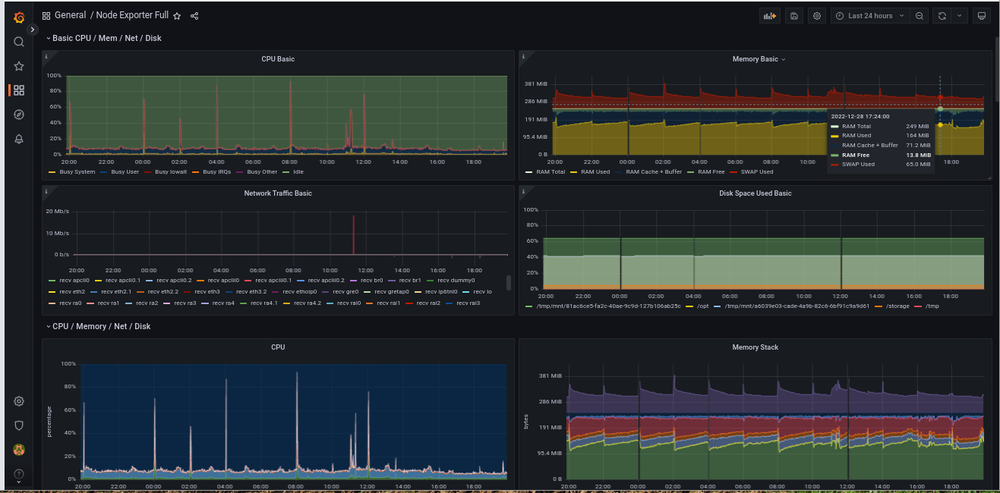
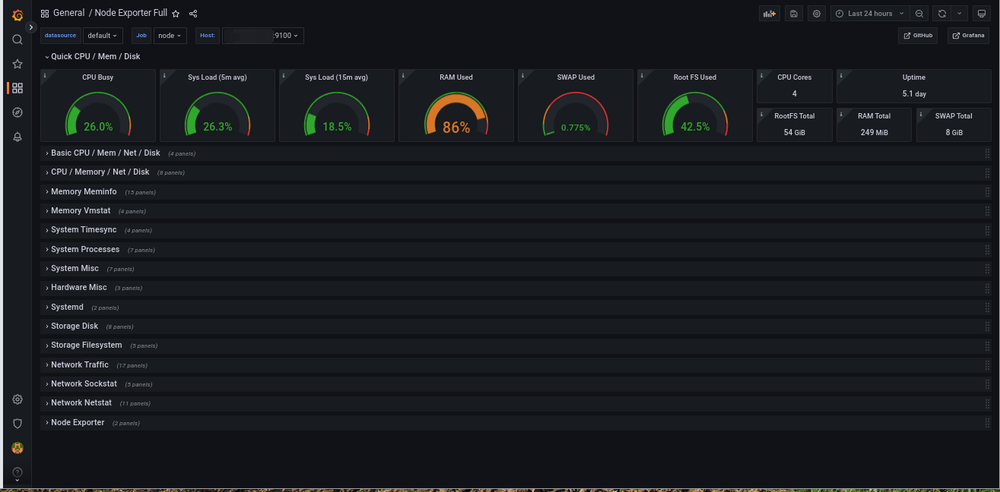
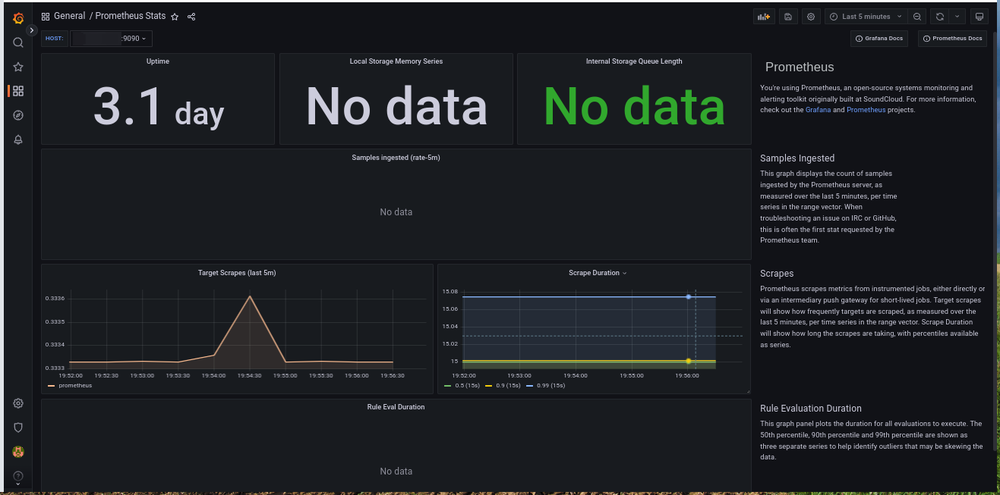
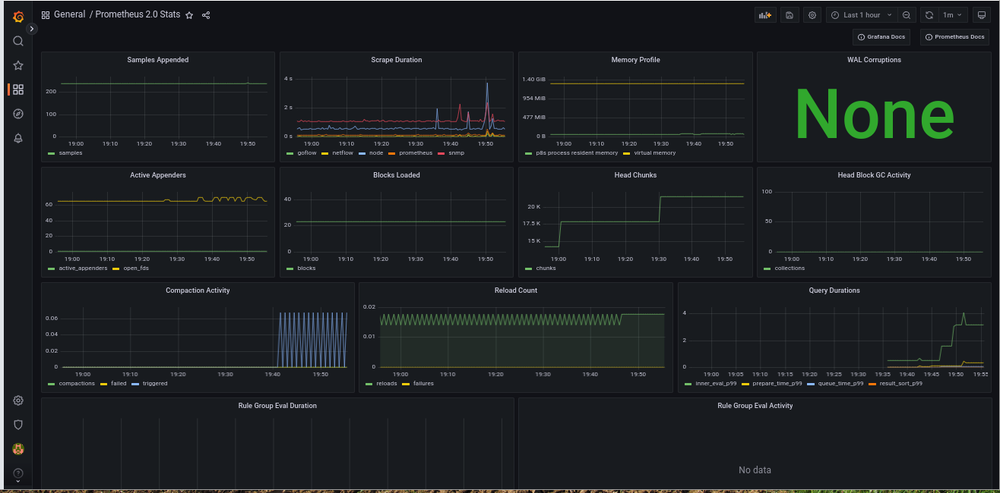
"Налетай, торопись, покупай живопись!" (из к/ф "Операция "Ы" и другие приключения Шурика", СССР, 1965) или Красота спасёт мир! grafana https://grafana.com Установить пакет: `opkg install grafana` Запустить сервис: `/opt/etc/init.d/S80grafana-server start` В любимом браузере отправиться на адрес устройства и порт 3000: Подключаем прометея: "Configuration" => "Data source" => "Add data source" => "Prometheus" => "URL" <= адрес устройства и порт => ""Save & test" "Искаропки" (очень простой) "Искаропки" (простой) Дальше, строим самостоятельно или импортируем готовые https://grafana.com/grafana/dashboards/ SNMP - ID: 11169 SNMP - ID: 10523 node -ID: 1860
- 19 ответов
-
- 3
-

-

-
- prometheus
- metrics
- (и ещё 6 )
-
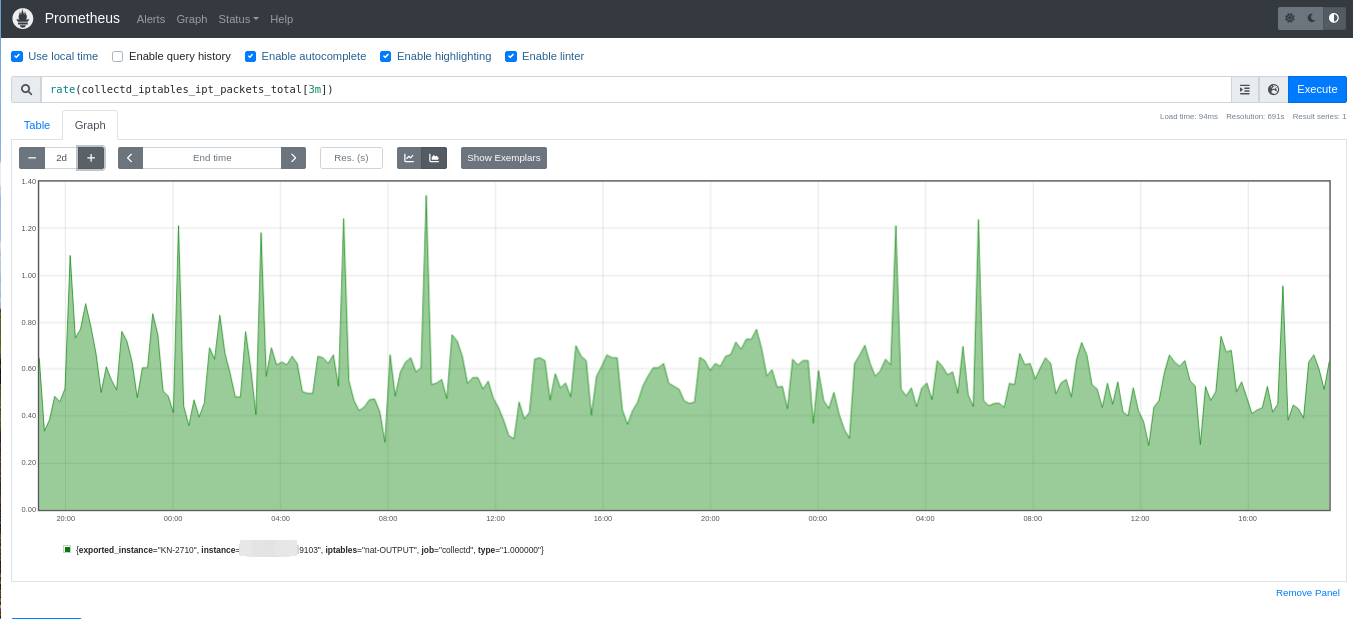
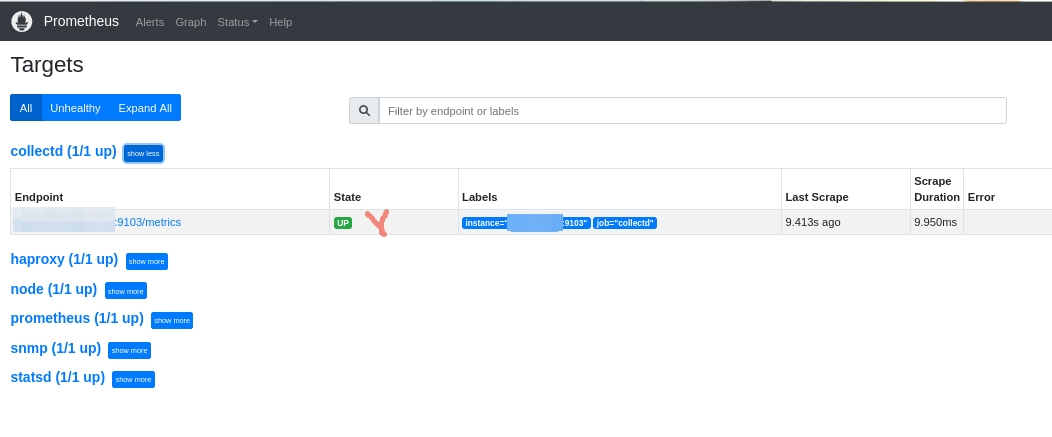
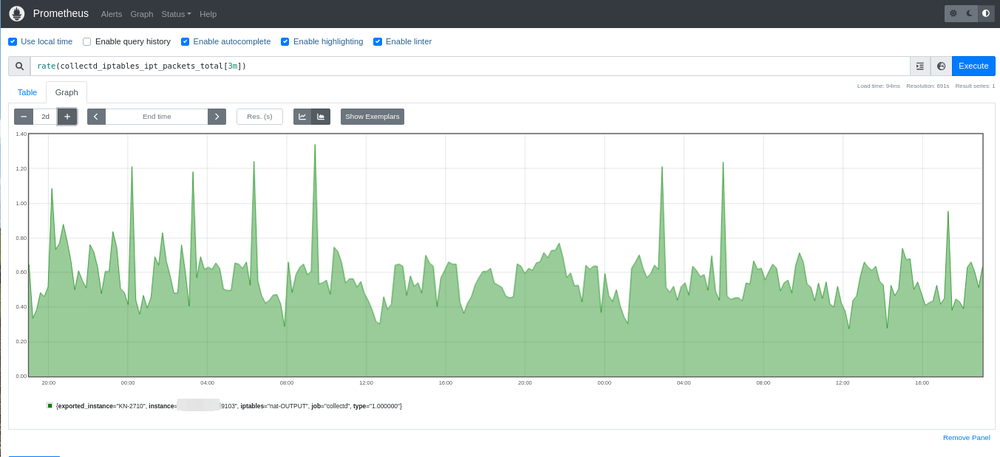
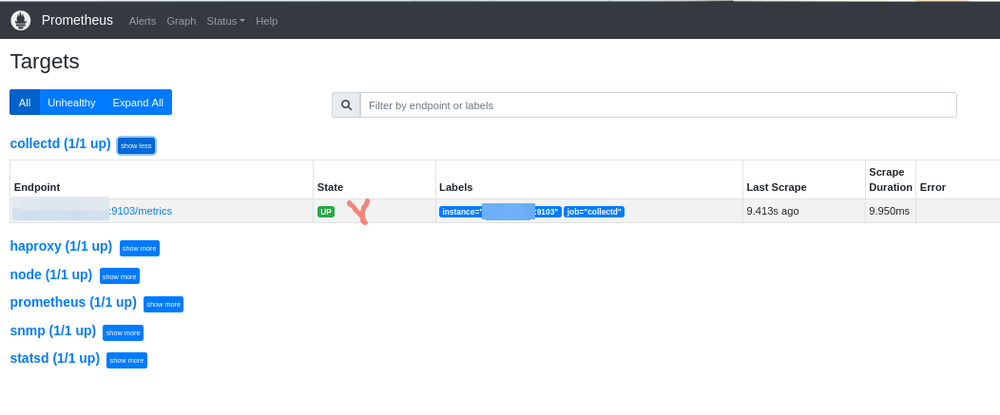
А у вас нет такого же, но с перламутровыми пуговицами для collectd? collectd_exporter https://github.com/prometheus/collectd_exporter Установить пакет: `opkg install prometheus-collectd-exporter` и отредактировать конфиги "/opt/etc/prometheus/prometheus.yml" и "/opt/etc/collectd.conf": (добавить в конфиг прометея) # collectd - job_name: "collectd" static_configs: - targets: ["192.168.1.1:9103"] !!! После правок конфига прометея, сервис перезапускать обязательно !!! `/opt/etc/init.d/S70prometheus restart` (добавить в конфиг collectd) LoadPlugin network <Plugin network> Server "127.0.0.1" "25826" </Plugin> Запустить сервисы: `/opt/etc/init.d/S70collectd start && /opt/etc/init.d/S99collectd_exporter start` В любимом браузере отправиться на адрес устройства и порт 9090:
- 19 ответов
-
- 3
-
-
-
- prometheus
- metrics
- (и ещё 6 )
-
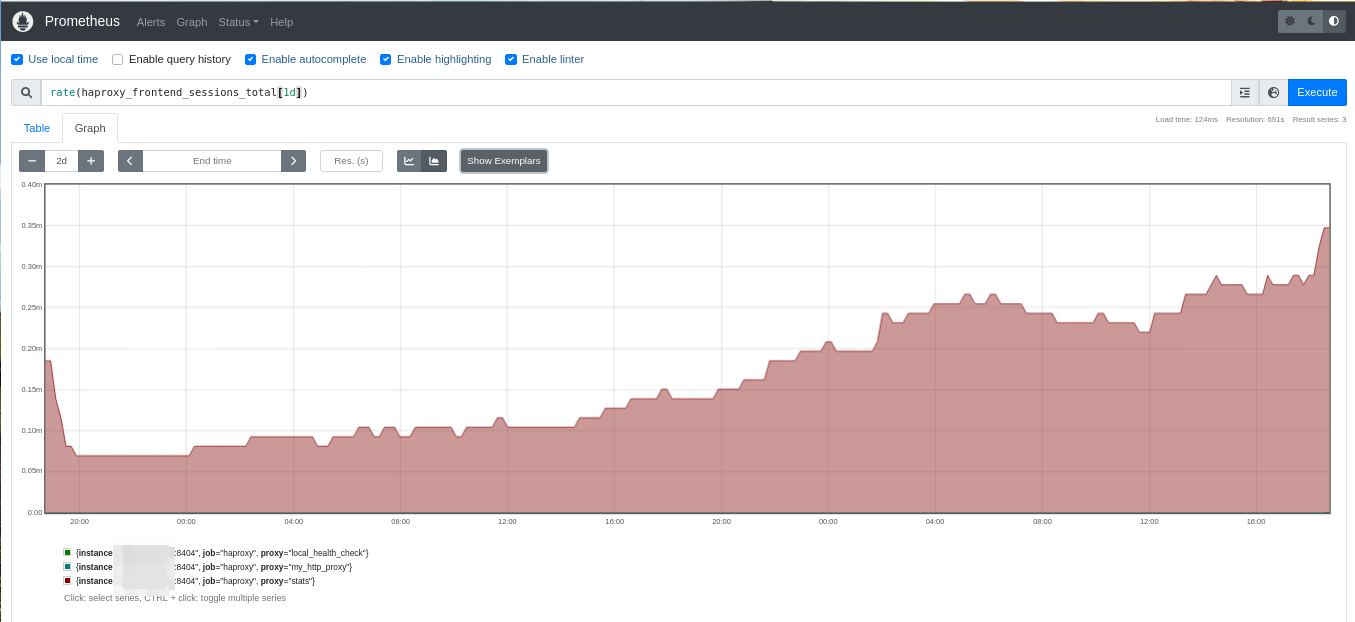
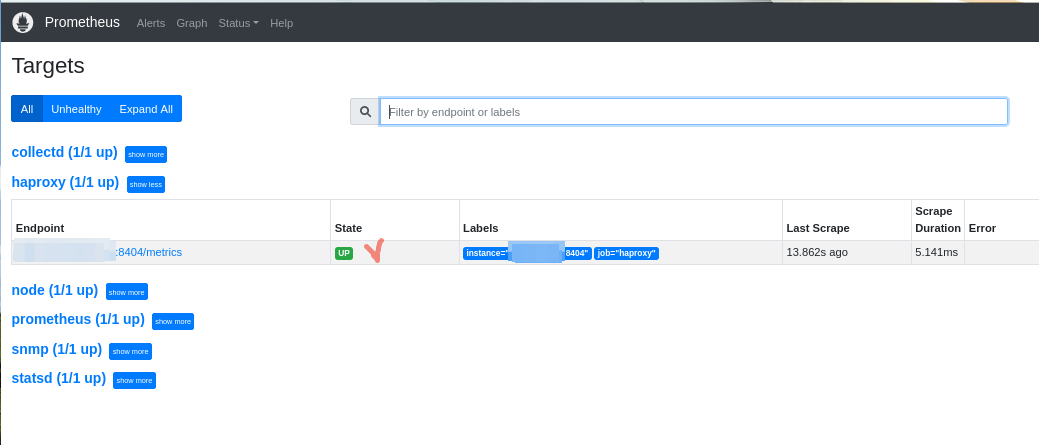
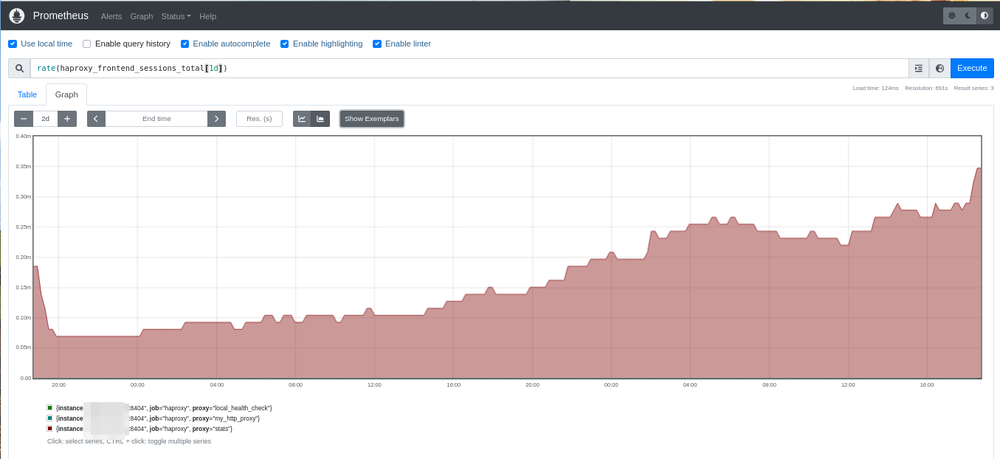
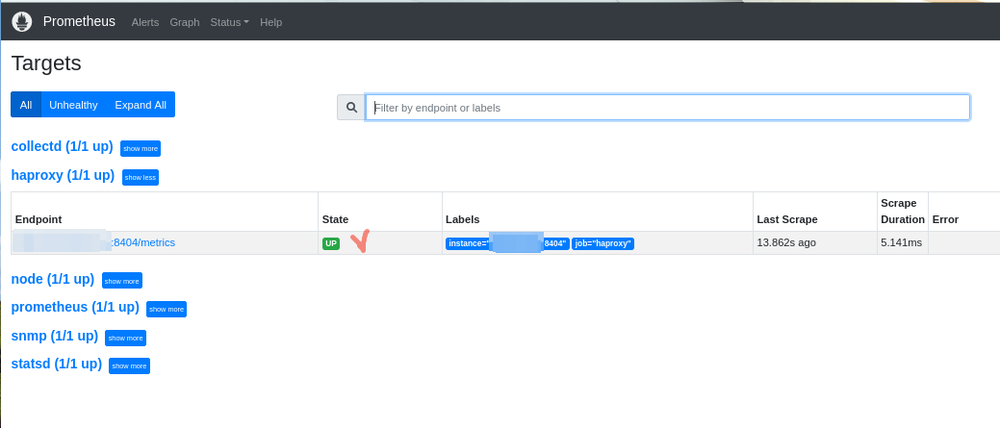
Я требую продолжения банкета статистику HAProxy! haproxy_exporter https://github.com/prometheus/haproxy_exporter Установить пакет: `opkg install prometheus-haproxy-exporter` и отредактировать конфиги "/opt/etc/prometheus/prometheus.yml" и "/opt/etc/haproxy.cfg": (добавить в конфиг прометея) # haproxy - job_name: "haproxy" static_configs: - targets: ["192.168.1.1:8404"] !!! После правок конфига прометея, сервис перезапускать обязательно !!! `/opt/etc/init.d/S70prometheus restart` (добавить в конфиг HAProxy и закомментировать или удалить строку "mode health") # Prometheus frontend stats mode http bind *:8404 http-request use-service prometheus-exporter if { path /metrics } stats enable stats uri /stats stats refresh 10s Запустить сервисы: `/opt/etc/init.d/S99haproxy start && /opt/etc/init.d/S99haproxy_exporter start` В любимом браузере отправиться на адрес устройства и порт 9090:
- 19 ответов
-
- 4
-
-
-
- prometheus
- metrics
- (и ещё 6 )
-
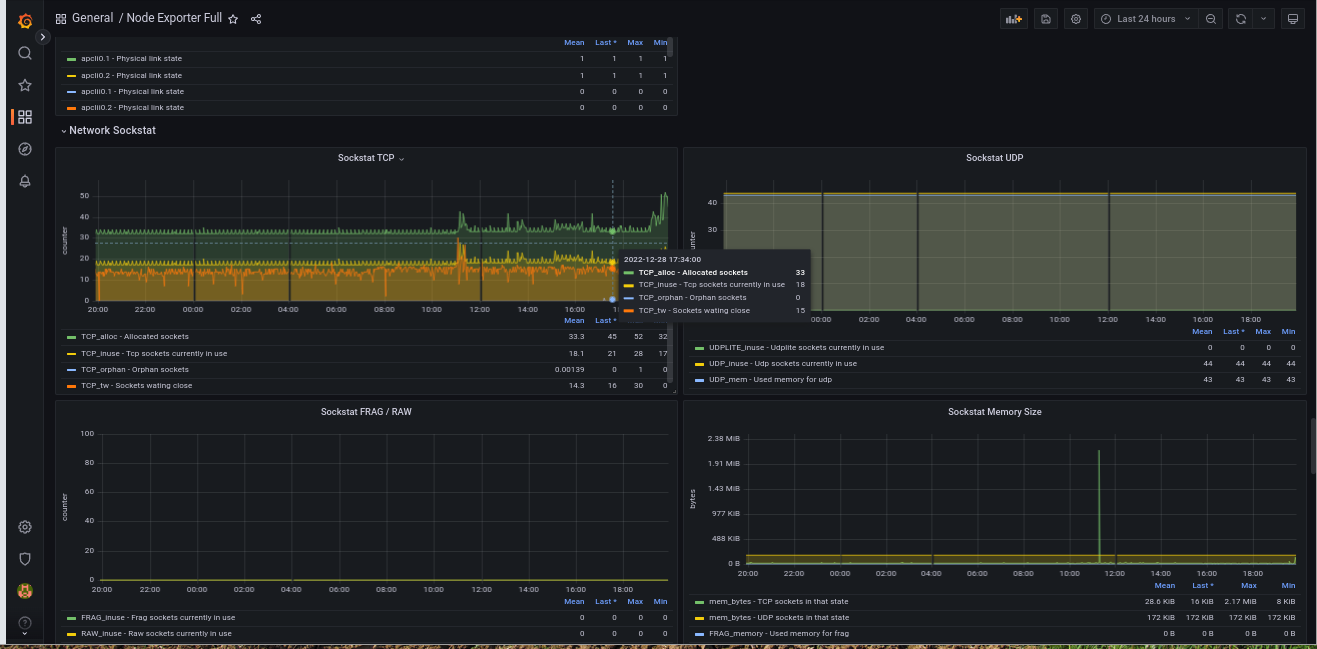
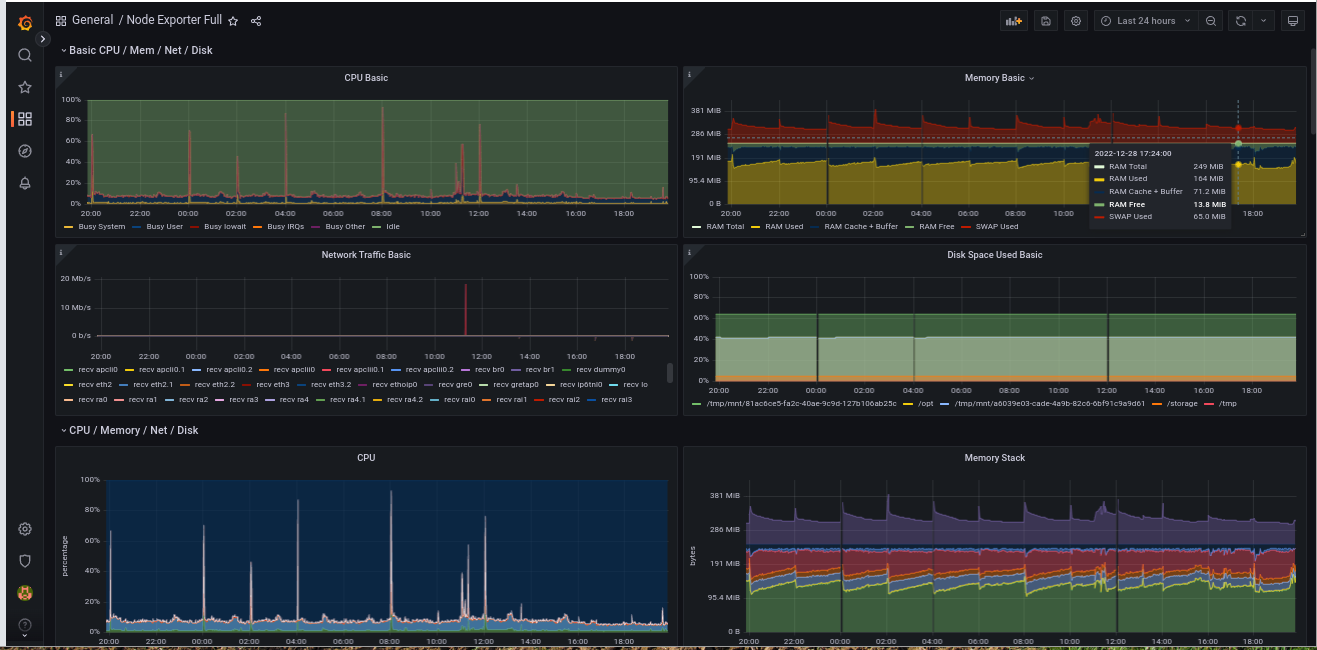
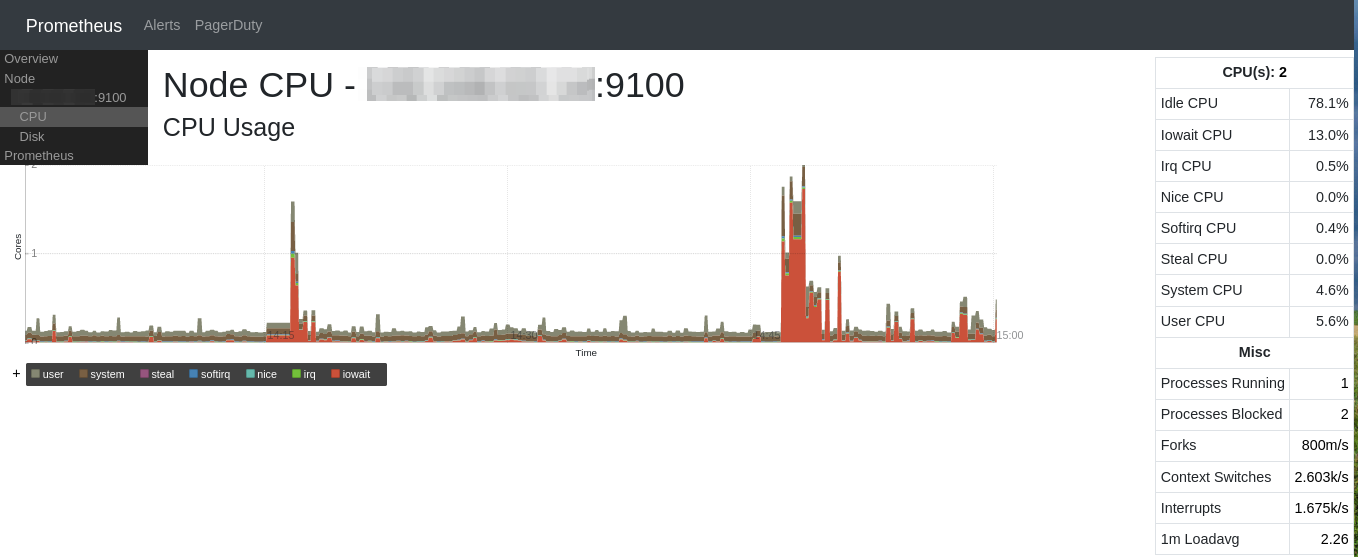
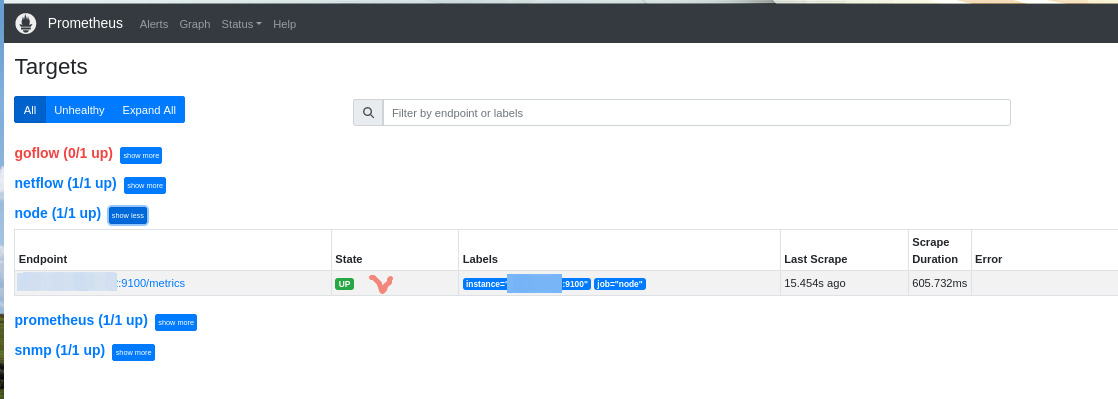
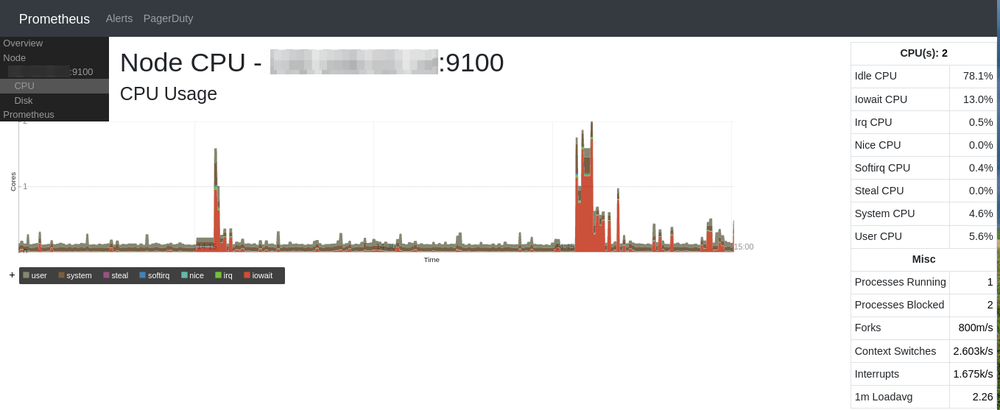
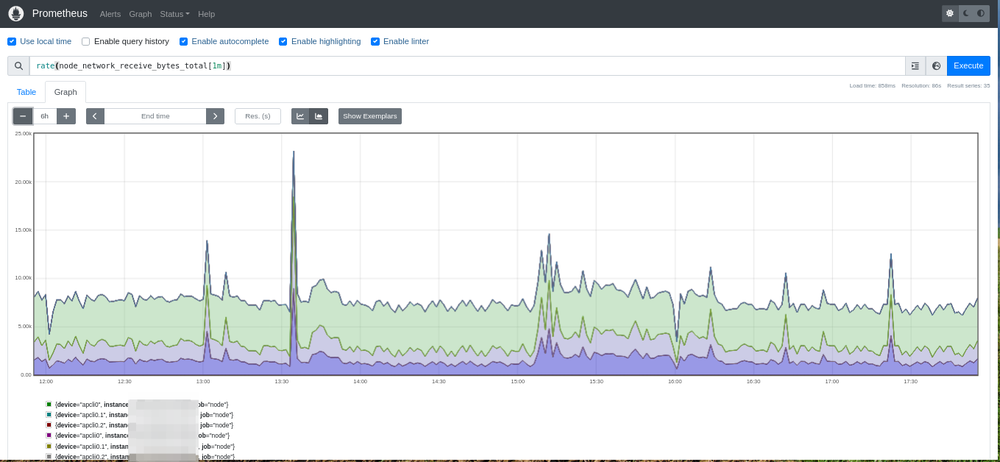
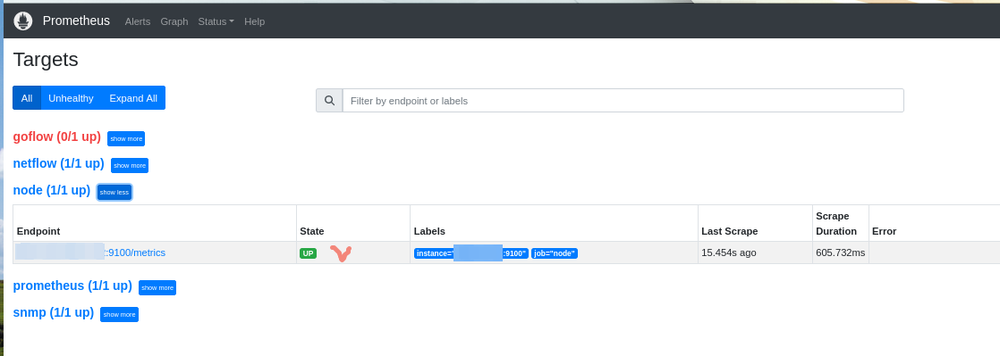
"Маловато будет! Маловато!" (из м/ф "Падал прошлогодний снег", СССР, 1983) node_exporter https://github.com/prometheus/node_exporter Установить пакет: `opkg install prometheus-node-exporter` и отредактировать конфиг "/opt/etc/prometheus/prometheus.yml": (добавить в конфиг прометея) # node - job_name: "node" static_configs: - targets: ["192.168.1.1:9100"] !!! После правок конфига прометея, сервис перезапускать обязательно !!! `/opt/etc/init.d/S70prometheus restart` Запустить сервис: `/opt/etc/init.d/S99node_exporter start` В любимом браузере отправиться на адрес устройства и порт 9090: или (IP:9090/consoles/node.html)
- 19 ответов
-
- 4
-
-
-
- prometheus
- metrics
- (и ещё 6 )
-
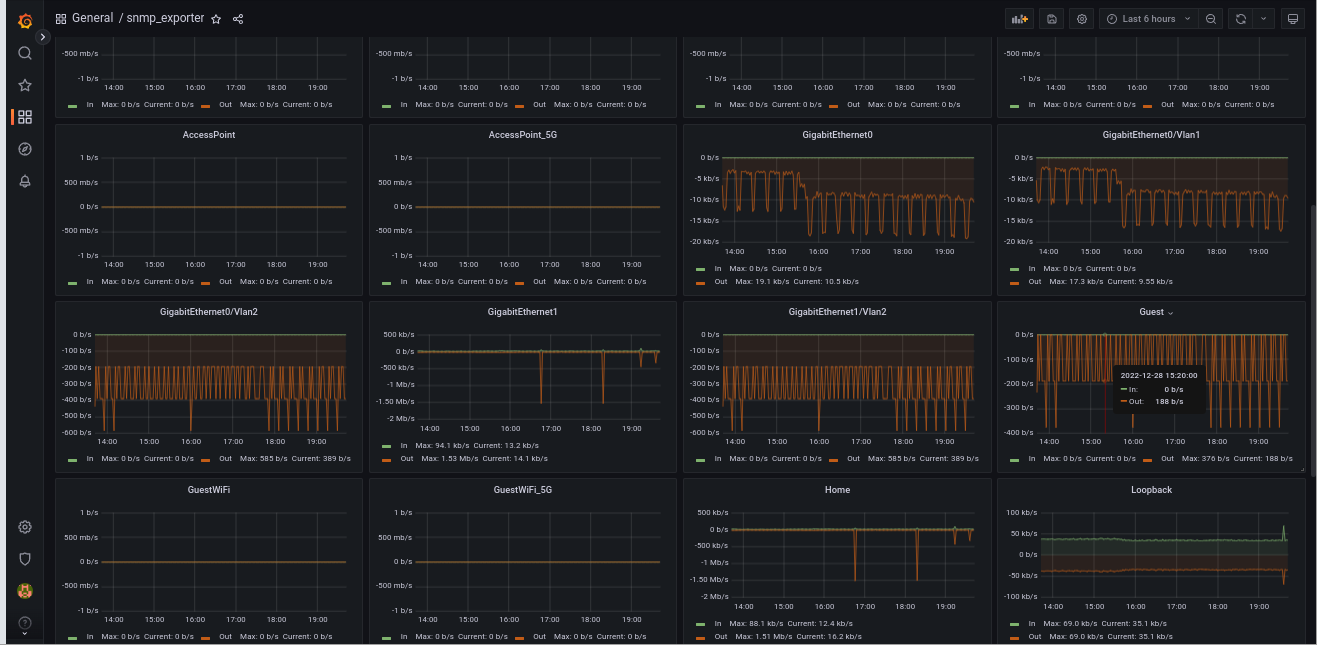
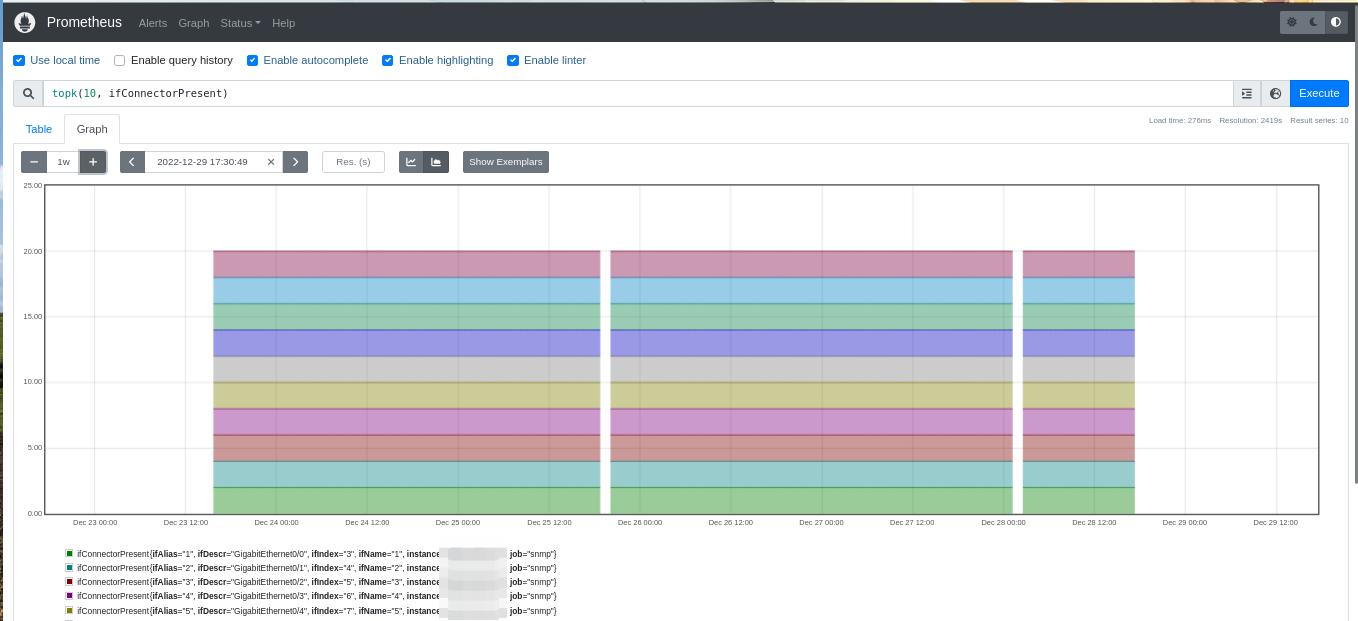
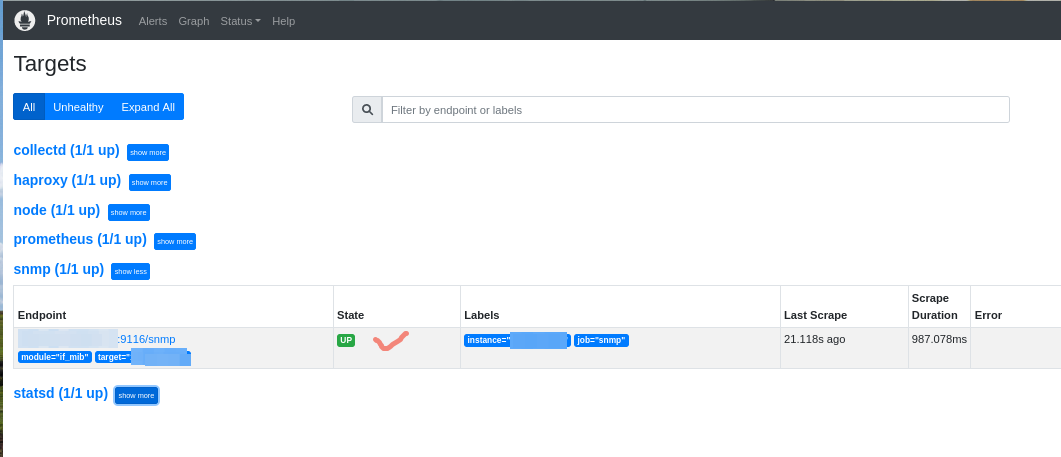
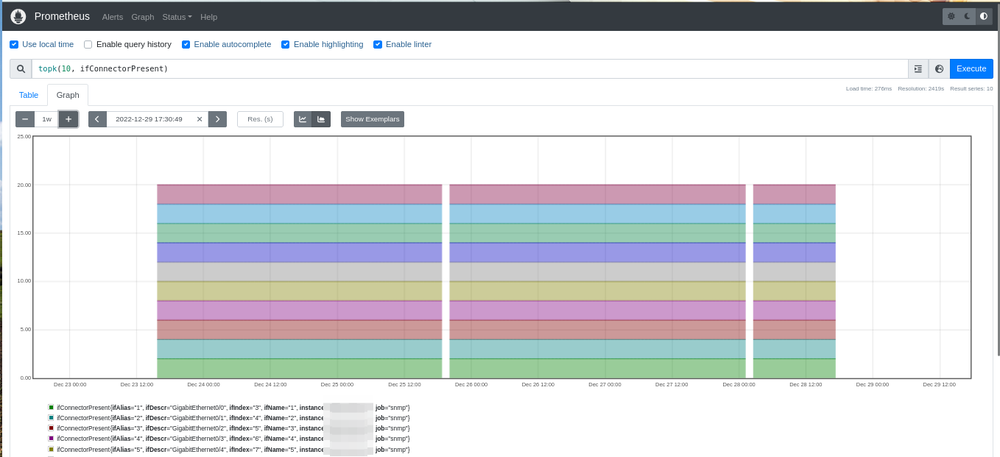
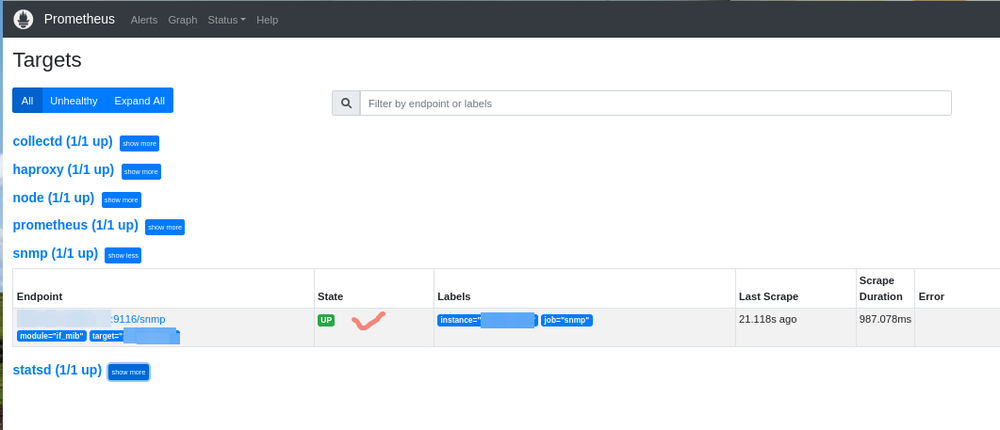
Что бы такого сделать плохого установить? snmp_exporter https://github.com/prometheus/snmp_exporter Keenetic умеет в snmp "искаропки" (если компонент "Сервер SNMP" установлен): ! Если компонент не установлен и захотите его добавить, прошивка обновиться до актуальной версии (в зависимости от канала обновлений). Активировать сервис, если не активен, нужно в CLI (telnet|SSH) или web: `service snmp` и сохранить настройки: `system configuration save` Установить пакет: `opkg install prometheus-snmp-exporter` и отредактировать конфиг "/opt/etc/prometheus/prometheus.yml": (добавить в конфиг прометея) # snmp - job_name: "snmp" static_configs: - targets: ["192.168.1.1"] metrics_path: /snmp params: module: [if_mib] relabel_configs: - source_labels: [__address__] target_label: __param_target - source_labels: [__param_target] target_label: instance - target_label: __address__ replacement: 192.168.1.1:9116 !!! После правок конфига прометея, сервис перезапускать обязательно !!! `/opt/etc/init.d/S70prometheus restart` Запустить сервис: `/opt/etc/init.d/S99snmp_exporter start` В любимом браузере отправиться на адрес устройства и порт 9090:
- 19 ответов
-
- 3
-
-
-
- prometheus
- metrics
- (и ещё 6 )
-
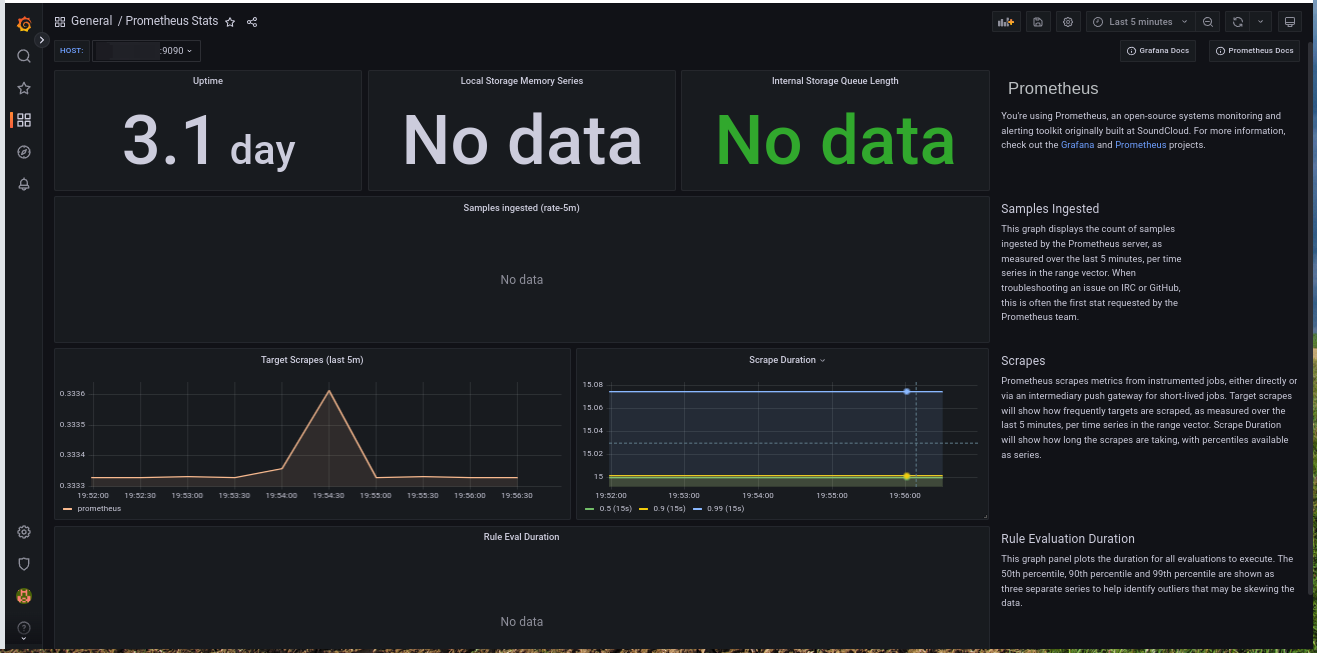
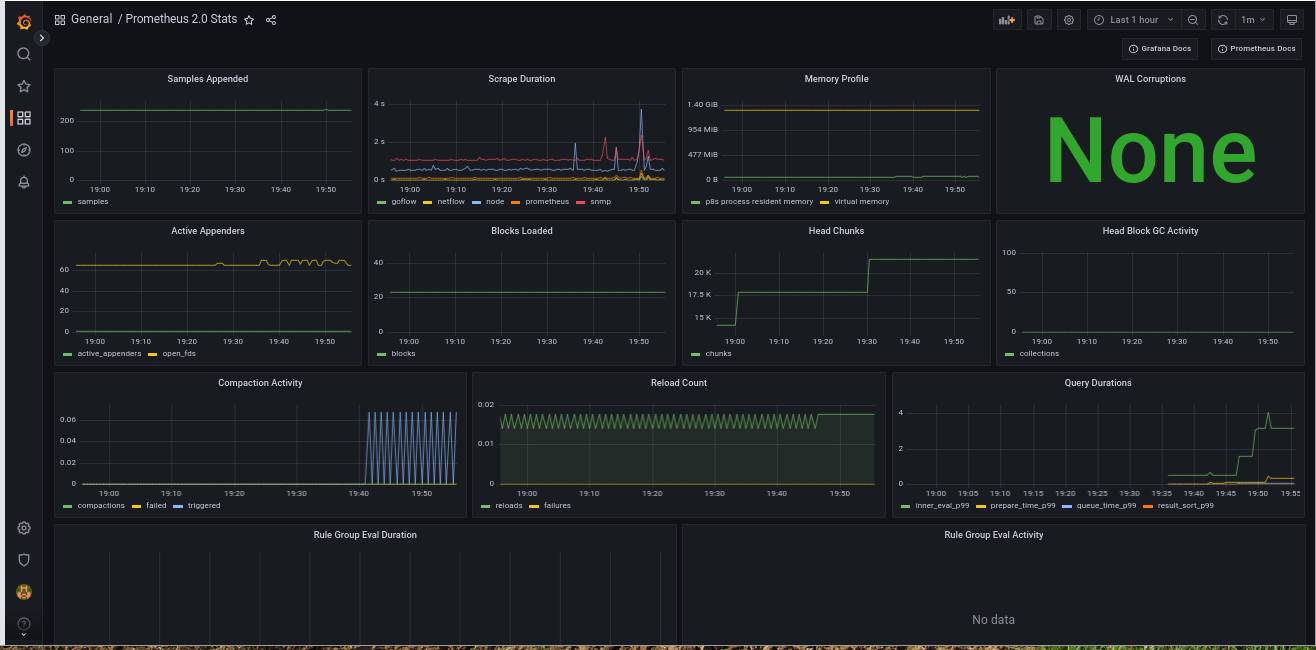
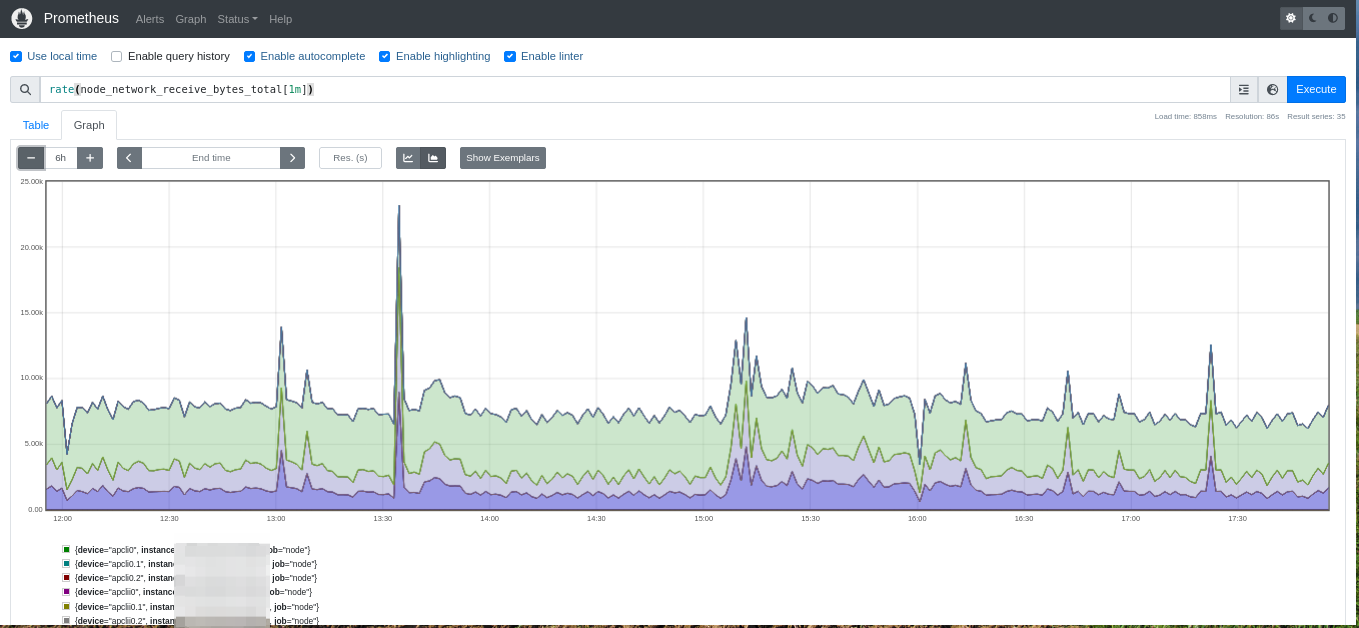
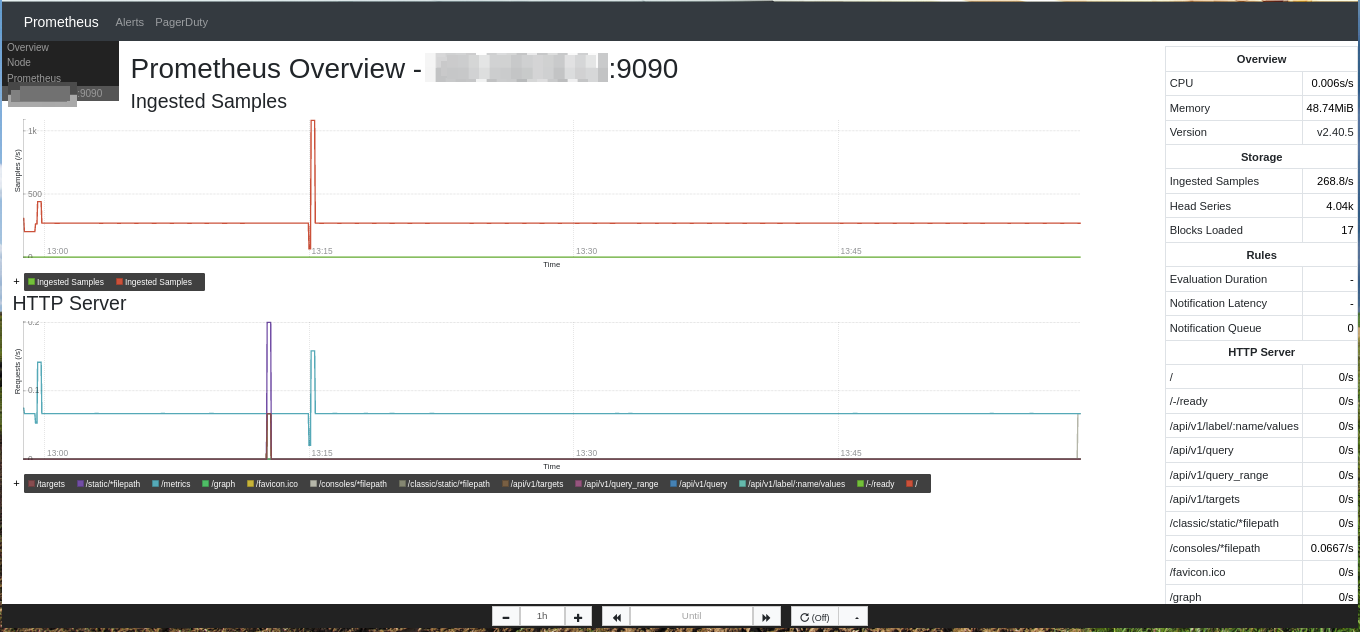
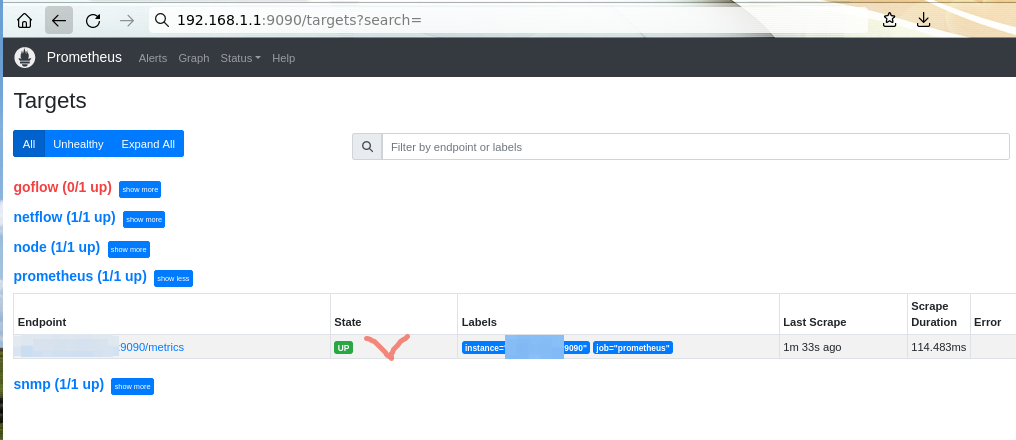
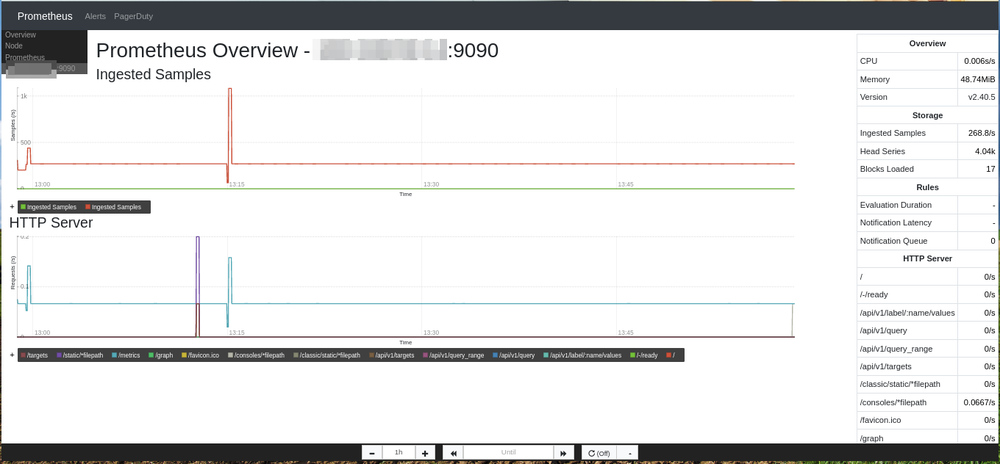
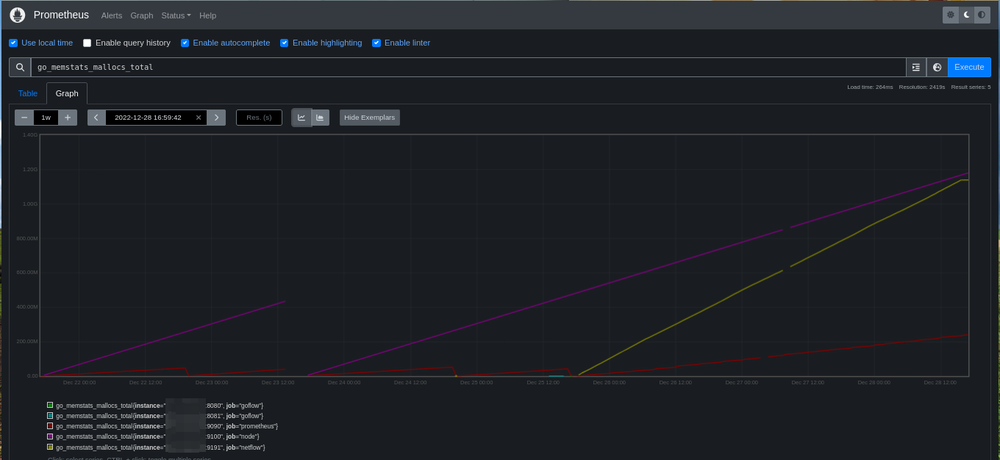
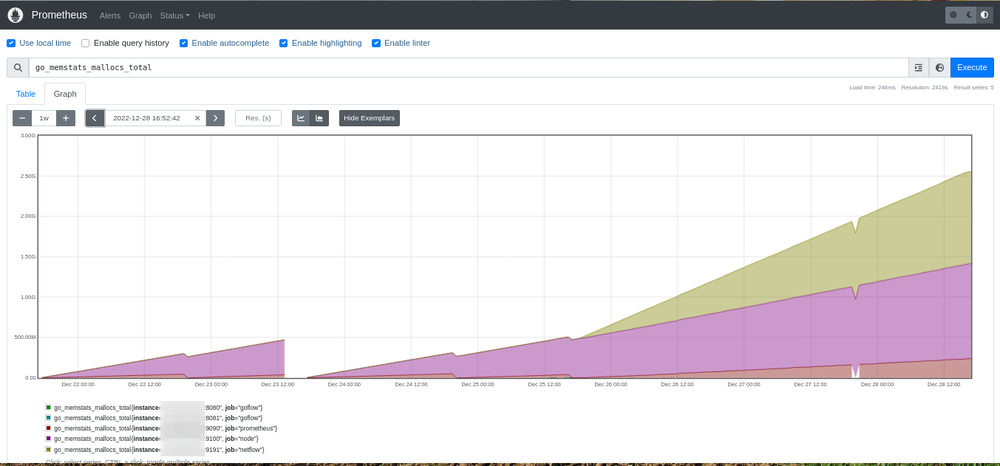
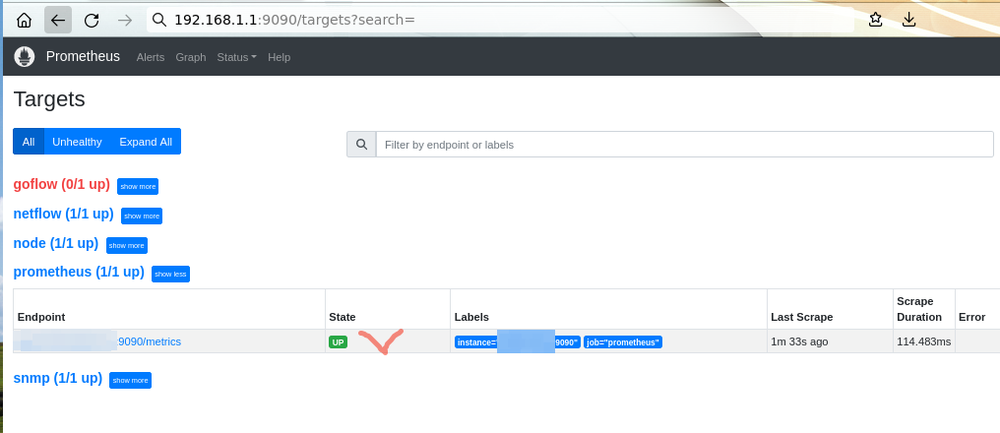
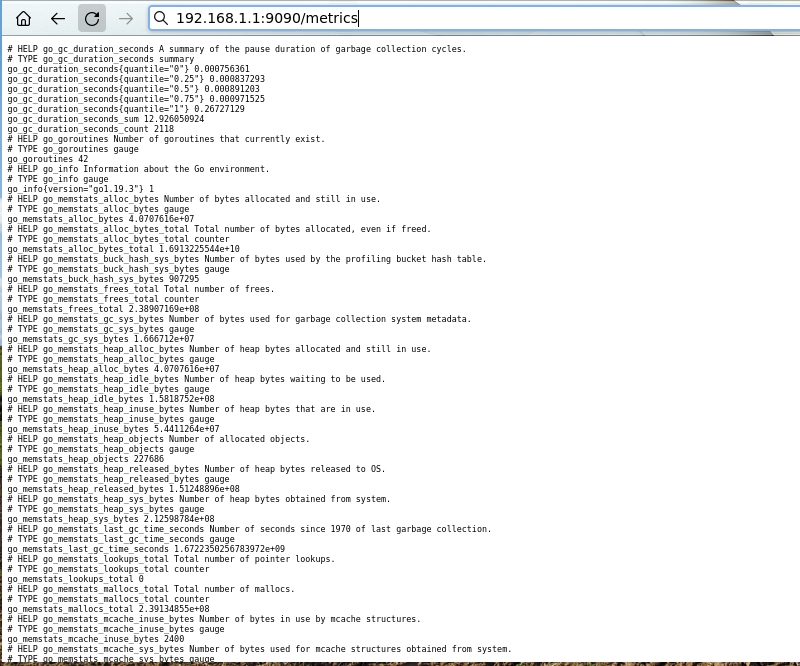
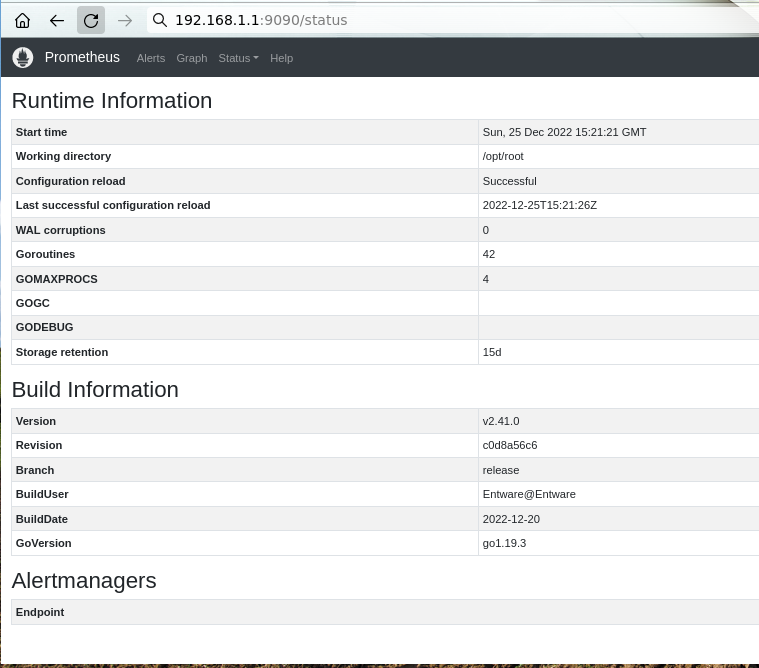
Винни-Пух Прометей и все-все-все (ну-у-у, почти), или Статистики много не бывает. рrometheus https://prometheus.io/ https://prometheus.io/docs/introduction/overview/ Установить пакет: `opkg install prometheus` и отредактировать конфиг "/opt/etc/prometheus/prometheus.yml" (заменить "localhost" на адрес устройства): Запустить сервис: `/opt/etc/init.d/S70prometheus start` В любимом браузере отправиться на адрес устройства и порт 9090: Прометей умеет в графики "искаропки": или (IP:9090/consoles/prometheus.html): И всё?
- 19 ответов
-
- 6
-
-
-
- prometheus
- metrics
- (и ещё 6 )
-
 Значит, что-то сломали... ~ # pip install construct==2.10.56 Collecting construct==2.10.56 Downloading construct-2.10.56.tar.gz (54 kB) ━━━━━━━━━━━━━━━━━━━━━━━━━━━━━━━━━━━━━━━━ 54.8/54.8 kB 338.4 kB/s eta 0:00:00 Preparing metadata (setup.py) ... done Using legacy 'setup.py install' for construct, since package 'wheel' is not installed. Installing collected packages: construct Running setup.py install for construct ... done Successfully installed construct-2.10.56 WARNING: Running pip as the 'root' user can result in broken permissions and conflicting behaviour with the system package manager. It is recommended to use a virtual environment instead: https://pip.pypa.io/warnings/venv [notice] A new release of pip available: 22.2.2 -> 22.3.1 [notice] To update, run: pip install --upgrade pip ~ #
 -
https://www.debian.org/News/2022/20221217
-
Ну и поставьте ему "construct", раз он сам не может.
-
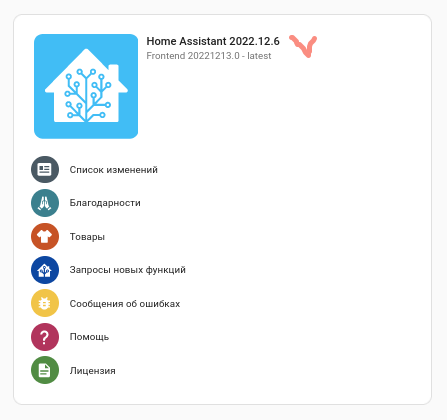
bump to 2022.12.6 (aarch64||mipsel) (прим. - отключить "zram")
-
Архив установки уже ни при чем. Запустили ещё раз принудительную переиндексацию пакетов из-за битых индексов. ~ # opkg update Downloading http://bin.entware.net/mipselsf-k3.4/Packages.gz Updated list of available packages in /opt/var/opkg-lists/entware Downloading http://bin.entware.net/mipselsf-k3.4/keenetic/Packages.gz Updated list of available packages in /opt/var/opkg-lists/keendev ~ # ~ # opkg install mc Installing mc (4.8.27-3) to root... Downloading http://bin.entware.net/mipselsf-k3.4/mc_4.8.27-3_mipsel-3.4.ipk Installing zlib (1.2.13-1) to root... Downloading http://bin.entware.net/mipselsf-k3.4/zlib_1.2.13-1_mipsel-3.4.ipk Installing glib2 (2.74.0-1) to root... Downloading http://bin.entware.net/mipselsf-k3.4/glib2_2.74.0-1_mipsel-3.4.ipk Configuring zlib. Configuring glib2. Configuring mc. ~ #
-
`opkg update` ~ # opkg list 25volt - 1.0.5-1 - 25volt - A lightweight tool for monitoring APC Smart-UPS and Powercom WOW UPSs. 3proxy - 0.9.4-1 - 3proxy is universal proxy server. It can be used to provide internal users with fully controllable access to external resources or to provide external users with access to internal resources. ---8<--- cut --->8--- xmlrpc-c-server - 1.51.07-3 - XML-RPC library - server xmlstarlet - 1.6.1-2 - XMLStarlet is a set of command line utilities (tools) which can be used to transform, query, validate, and edit XML documents and files using simple set of shell commands in similar way it is done for plain text files using UNIX grep, sed, awk, diff, patch, join, etc commands. xpdf - 4.04-1 - Xpdf project includes a PDF text extractor, PDF-to-PostScript converter, and various other utilities. / #
-
Перекачайте архив и попробуйте ещё раз, теперь должно зайти. Архив - ачиптка в зависимостях ( grep: libpcre => libpcre2) zoneinfo-asia - битый индекс (проиндексировано было до xpdf включительно)
-
))) где-то одно работает, где-то другое... на основном устройстве - один вариант, на подконтрольном - другой... выбираем, что больше нравится и/или работает )))
- 259 ответов
-
- 1
-
-
- web-сервер
- nginx
- (и ещё 5 )
-
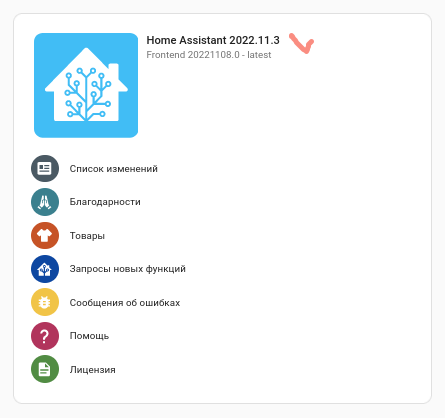
bump to 2022.11.3 (aarch64||mipsel) (прим. - отключить "zram")
-
сие, проблема "opkg", к-рый считает, что уже стоит более новая версия. была версия 10.0.0b5 (beta5), стала 10.0.0. удалить старую `opkg remove --force-depends python3-ha-av` , поставить новую `opkg install python3-ha-av`
-
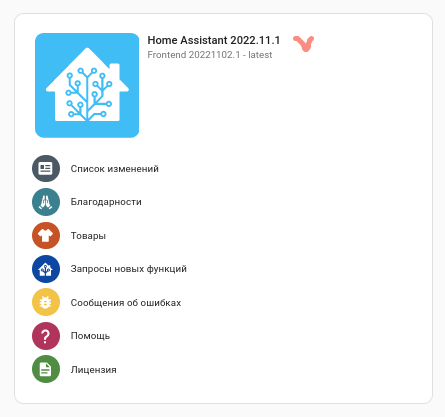
bump to 2022.11.1 (aarch64||mipsel) (прим. - отключить "zram")
-
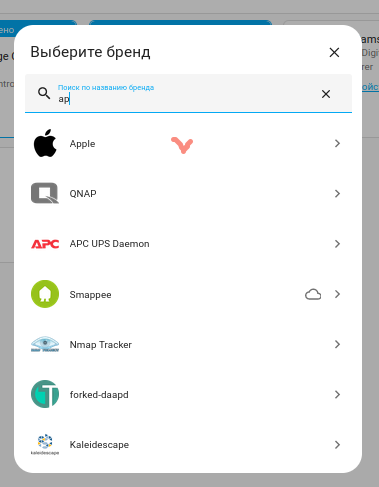
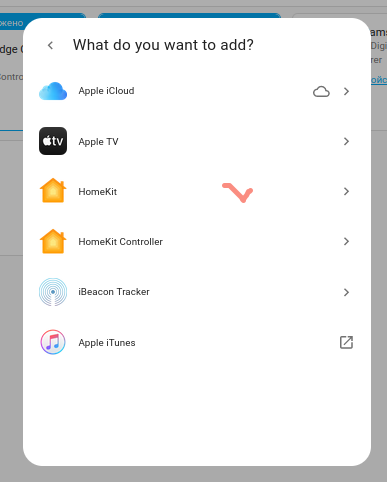
на ZKU2:
-
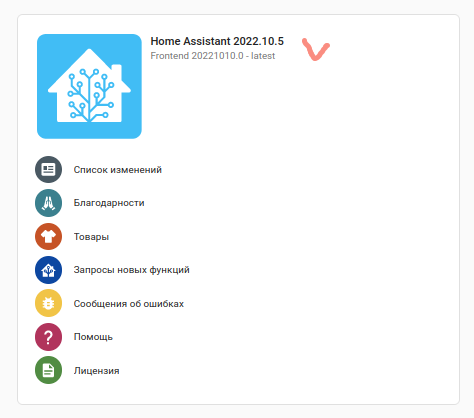
bump to 2022.10.5 (aarch64||mipsel) (прим. - отключить "zram")
-
~ # opkg list unbound* unbound-anchor - 1.16.1-1 - This package contains the Unbound anchor utility. unbound-checkconf - 1.16.1-1 - This package contains the Unbound DNS configuration checker utility. unbound-control - 1.16.1-1 - This package contains the Unbound control utility. unbound-control-setup - 1.16.1-1 - This package contains the Unbound control setup utility. unbound-daemon - 1.16.1-1 - This package contains the Unbound daemon including 'libevent', 'libmnl', and 'libpthread' to better handle large networks with heavy query loads. Options are available under libraries/network/libunbound to custom trim Unbound for smaller targets. unbound-host - 1.16.1-1 - This package contains the Unbound DNS lookup utility. ~ #
-
Откуда ж мне знать... ... надежда на "ядерщиков", они лучше знают.
-
отредактировать файл "/opt/etc/opkg.conf"
-
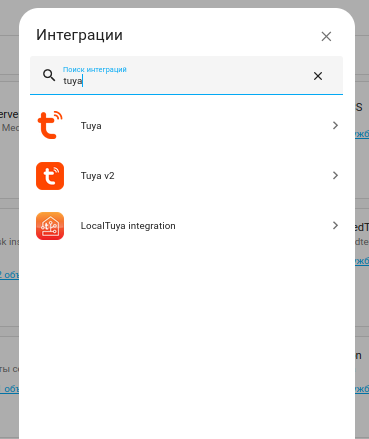
Эта что ли? Как ставить пытались? С пол пинка залетела, ничего не собирала: дальше не пройду, т.к. нет железа...

-
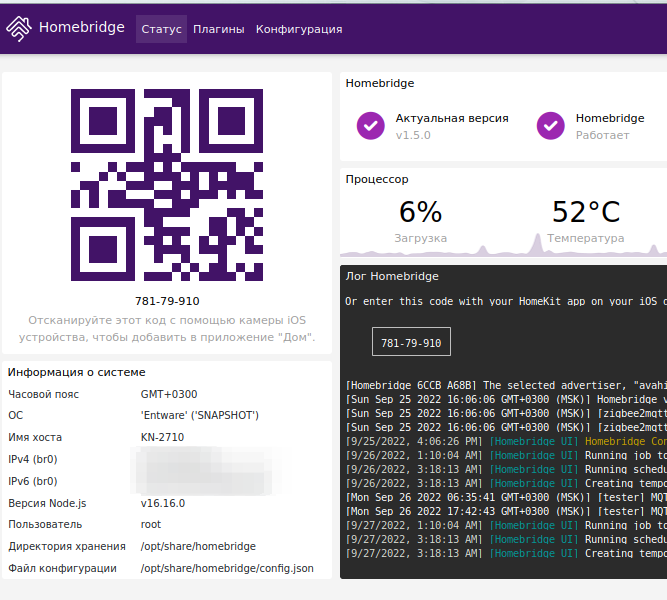
systemd - https://github.com/oznu/homebridge-config-ui-x/blob/master/src/bin/platforms/linux.ts#L92 (и много где ещё) ))) path_to_bin - https://github.com/oznu/homebridge-config-ui-x/blob/master/src/bin/platforms/linux.ts#L192 (тоже полно) ))) systemd+avahi - https://github.com/oznu/homebridge-config-ui-x/blob/master/src/bin/hb-service.ts#L934 продолжать можно долго... Или, чтоб получить такую картитку (ОС Entware): нужно "ковырять" зависимость https://github.com/oznu/homebridge-config-ui-x/blob/master/package.json#L84 руками (или "выпиливать" и собирать отдельным пакетом), а в нём тоже пути править надо...
-
Разное пользовательское окружение (сравните вывод `env && set` на ПК и на Кинетике); в Entware нет "systemd" как на "взрослых" системах GNU/Linux; пути к бинарникам (/opt/bin:/opt/sbin:...)...