

TheBB
-
Постов
2 595 -
Зарегистрирован
-
Посещение
-
Победитель дней
69
Тип контента
Профили
Форумы
Галерея
Загрузки
Блоги
События
Весь контент TheBB
-
 Пробовать собрать версию 3.12 или более старую.
 -
Это не инструкция, а демонстрация. Инструкция тут (с поправкой на отсутствие "Люськи" и прочие Entware specifics) Опять же, демонстрация (не забываем экранировать спецсимволы) ~ # ~ # uhttpd -m superpass $1$$gIQJltLOuZboYpWcWhc5U0 ~ # ~ # echo "/ext-ui/:root:\$1\$\$gIQJltLOuZboYpWcWhc5U0" > /opt/etc/httpd.conf ~ # ~ # /opt/etc/init.d/S80uhttpd restart Shutting down uhttpd... done. Starting uhttpd... done. ~ #
-
скорее всего на конфиги, изменённые пользователем (защита от перезаписи) если лог не создавать (перенаправление вывода в файл), его нет.
-
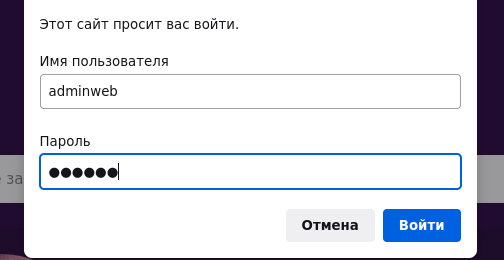
Настраивать не пробовали? ~ # uhttpd --help ... -r string Specify basic auth realm ... ~ # ~ # ~ # echo "/:adminweb:passwd" > /opt/etc/httpd.conf ~ # ~ # cat /opt/etc/uhttpd.conf ... OPTS="-p $ADDR:$PORT -h $DOCROOT -i $PHP -r /opt/etc/httpd.conf" ~ # ~ # /opt/etc/init.d/S80uhttpd restart Shutting down uhttpd... done. Starting uhttpd... done. ~ #
-
Вариант №2 (внимательно следим за руками) ~ # ~ # ln -sf /opt/lib/python3.10/site-packages/ycast/__main__.py /opt/bin/ycast ~ # ~ # sed -i -e 's,^#!.*python,#!/opt/bin/python,' /opt/bin/ycast ~ # ~ # chmod +x /opt/bin/ycast ~ # #!/bin/sh ENABLED=yes PROCS=ycast ARGS="-p 8888" PREARGS="" DESC="YCast" PATH=/opt/sbin:/opt/bin:/opt/usr/bin:/usr/local/sbin:/usr/local/bin:/usr/sbin:/usr/bin:/sbin:/bin . /opt/etc/init.d/rc.func ~ # ~ # /opt/etc/init.d/S80ycast status Checking YCast... dead. ~ # ~ # /opt/etc/init.d/S80ycast start Starting YCast... done. ~ # ~ # /opt/etc/init.d/S80ycast status Checking YCast... alive. ~ # ~ # /opt/etc/init.d/S80ycast stop Checking YCast... alive. Shutting down ycast... done. ~ # ~ # /opt/etc/init.d/S80ycast status Checking YCast... dead. ~ # ~ # /opt/etc/init.d/S80ycast start Starting YCast... done. ~ # ~ # /opt/etc/init.d/S80ycast restart Shutting down ycast... done. Starting YCast... done. ~ #
-
Скорее, много лишнего. В оригинале: ~ # ~ # ls -al /opt/lib/libcrypto* -rw-r--r-- 1 root root 3502296 Mar 17 21:18 /opt/lib/libcrypto.so.3 ~ # ls -al /opt/lib/libssl* -rw-r--r-- 1 root root 601480 Mar 17 21:18 /opt/lib/libssl.so.3 ~ # Переустанавливать всё, что зависит от (lib)openssl.
-
Если ЭТО всё, ничего удивительного нет ))) ~ # ~ # /opt/etc/init.d/S81ycast start Service start ~ # ~ # pgrep -alf ycast 23142 python3 -m ycast -p 8888 ~ # ~ # /opt/etc/init.d/S81ycast stop Service stop ~ # ~ # pgrep -alf ycast ~ # функционал накручивайте сами #!/bin/sh PATH=/opt/bin:/opt/sbin:/sbin:/bin:/usr/sbin:/usr/bin start() { python3 -m ycast -p 8888 > /dev/null 2>&1 & } stop() { kill $(pgrep -of ycast) } case "$1" in start) start && echo "Service start" ;; stop) stop && echo "Service stop" ;; *) echo "Usage: $0 {start|stop}" ;; esac
-
Debian 9/stretch moved to archive.debian.org
-
$(CP) $(STAGING_DIR)/opt/lib/libboost_system.so.* $(1)/opt/lib STAGING_DIR
-
Не актуально, уже добавлено в пакет "libopenssl".
-
Всё было и не раз - переустановка пакетов (ещё один вариант): `for p in $(grep -B2 'libopenssl' /opt/lib/opkg/status | grep ^Pack | cut -d' ' -f2 | grep -v ^libopenssl); do opkg install --force-reinstall $p; done`
-
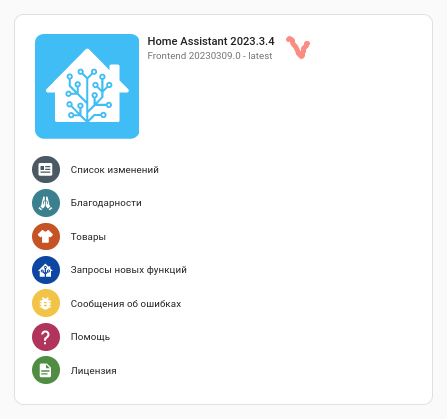
bump to 2023.3.4 (aarch64||mipsel) (прим. - отключить "zram") 1 добавить "потеряху", иначе cryptography "прикажет долго жить" 2 снести pyroute2 и накатить новый (все вопросы (можно нецензурно) сюды (на кой порезал, на кой слепил обратно, ...)) opkg list-installed | grep pyroute2 | cut -d' ' -f1 | xargs opkg remove --force-depends opkg install python3-pyroute2 --- add --- п.1 не актуален, пакет "libopenssl" обновлён.
-
На данный момент, до полного завершения синхронизации с OpenWrt и выгрузки пакетов, сие не представляется возможным.
-
Забацать скрипт автофикса. Типа: от простого... #!/bin/sh do_start() { if ! grep -q '^127.0.0.3 localhost' /etc/hosts; then echo '127.0.0.3 localhost' >> /etc/hosts fi } case "$1" in start) do_start ;; stop|restart|reload|status) return 0 ;; *) printf "Usage: $0 {start}\n" exit 1 ;; esac exit 0 * 127.0.0.3 localhost - для демонстрации работы, заменить на нужные данные. ... до "навороченного" (!!! не готовое решение, а пример !!!)
-
~ # ls -1 /opt/lib/opkg/info/*.control | wc -l 751 ~ # "ахтунг", 751 файл, откуда стока набралось... ~ # ~ # cat /opt/etc/passwd-draft root:$1$qIcnZlor$aUMGvS6VL7brlpSxLZO1y0:0:0:Root:/opt/root:/opt/bin/sh nobody:*:65534:65534:user "nobody"::/opt/bin/nologin ~ # ~ # cat /opt/etc/group-draft root:*:0:root nobody:*:65534:nobody ~ # юзверей и групп маловато будет для такого ~ # ~ # time sh ./ug.sh Adding a new ntp group with an ID 123 Adding a new ntp user with an ID 123 Adding a new domoticz group with an ID 6144 Adding a new domoticz user with an ID 6144 Adding a new git group with an ID 382 Adding a new git user with an ID 382 Adding a new icecast group with an ID 87 Adding a new icecast user with an ID 87 Adding a new mosquitto group with an ID 200 Adding a new mosquitto user with an ID 200 The mosquitto group already exists The mosquitto user already exists Adding a new mpd group with an ID 65536 Adding a new mpd user with an ID 65536 Adding a new sshd group with an ID 22 Adding a new sshd user with an ID 22 Adding a new pulse group with an ID 51 Adding a new pulse user with an ID 51 Adding a new transmission group with an ID 224 Adding a new transmission user with an ID 224 real 0m 1.22s user 0m 0.71s sys 0m 0.42s ~ # шустро, однако. ~ # ~ # cat /opt/etc/passwd-draft root:$1$qIcnZlor$aUMGvS6VL7brlpSxLZO1y0:0:0:Root:/opt/root:/opt/bin/sh nobody:*:65534:65534:user "nobody"::/opt/bin/nologin ntp:x:123:123:user "ntp"::/opt/bin/false domoticz:x:6144:6144:user "domoticz"::/opt/bin/false git:x:382:382:user "git"::/opt/bin/false icecast:x:87:87:user "icecast"::/opt/bin/false mosquitto:x:200:200:user "mosquitto"::/opt/bin/false mpd:x:65536:65536:user "mpd"::/opt/bin/false sshd:x:22:22:user "sshd"::/opt/bin/false pulse:x:51:51:user "pulse"::/opt/bin/false transmission:x:224:224:user "transmission"::/opt/bin/false ~ # ~ # cat /opt/etc/group-draft root:*:0:root nobody:*:65534:nobody ntp:x:123: domoticz:x:6144: git:x:382: icecast:x:87: mosquitto:x:200: mpd:x:65536: sshd:x:22: pulse:x:51: transmission:x:224: ~ # ну, вот, другое дело. и исчё разок: ~ # ~ # time sh ./ug.sh The ntp group already exists The ntp user already exists The domoticz group already exists The domoticz user already exists The git group already exists The git user already exists The icecast group already exists The icecast user already exists The mosquitto group already exists The mosquitto user already exists The mosquitto group already exists The mosquitto user already exists The mpd group already exists The mpd user already exists The sshd group already exists The sshd user already exists The pulse group already exists The pulse user already exists The transmission group already exists The transmission user already exists real 0m 1.08s user 0m 0.65s sys 0m 0.36s ~ # больше не хотить... велокостыль:
-
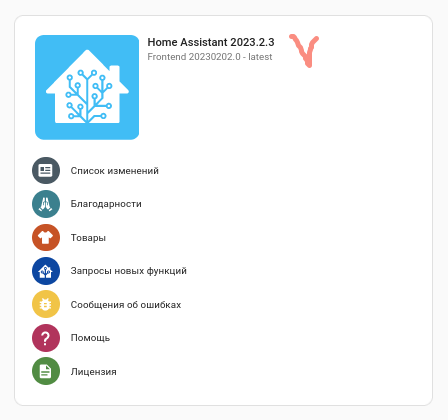
bump to 2023.2.3 (aarch64||mipsel) (прим. - отключить "zram")
-
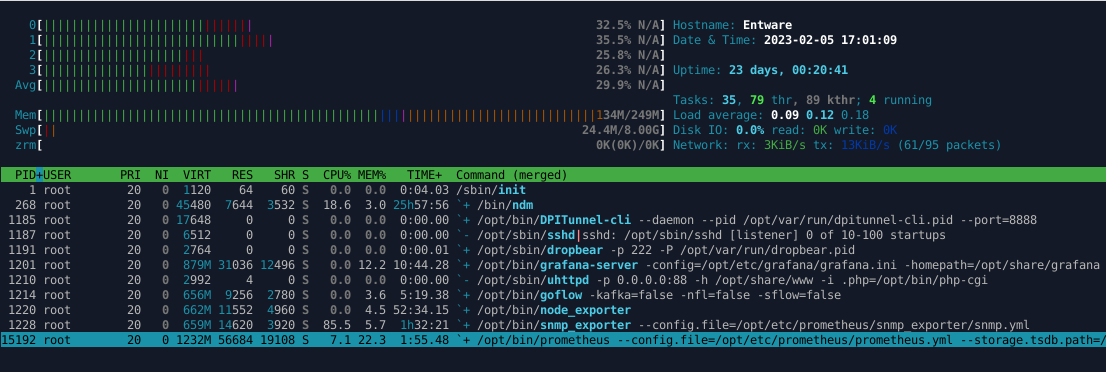
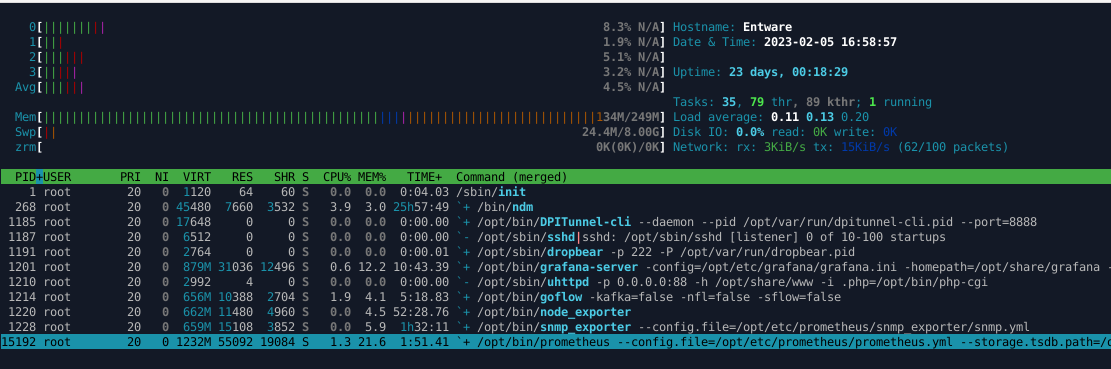
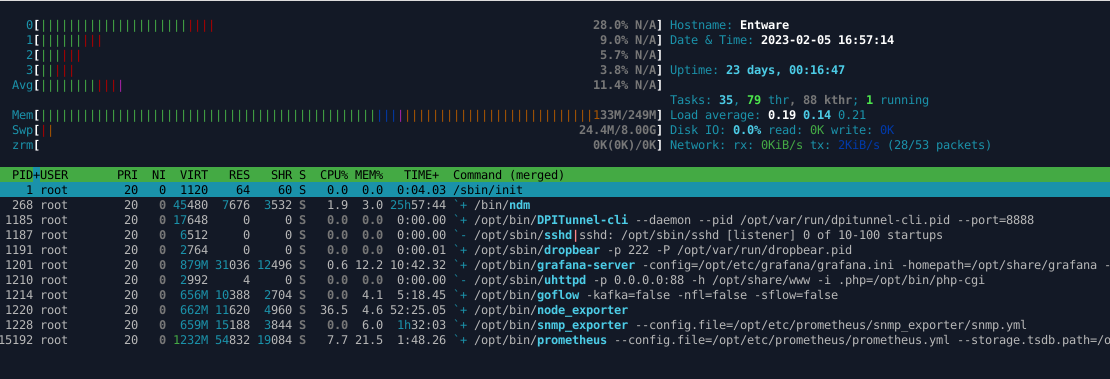
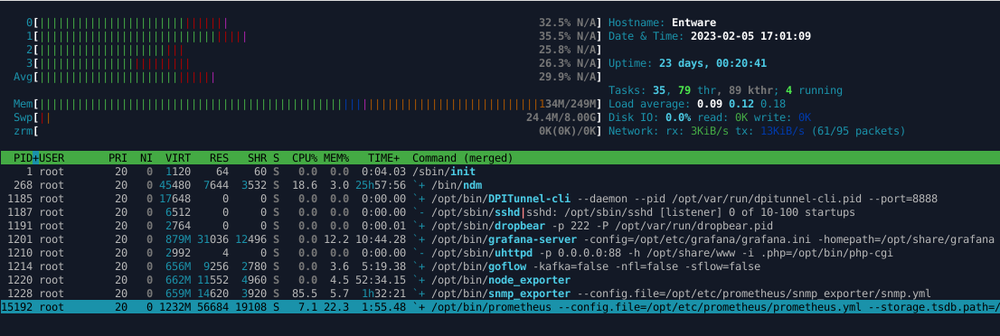
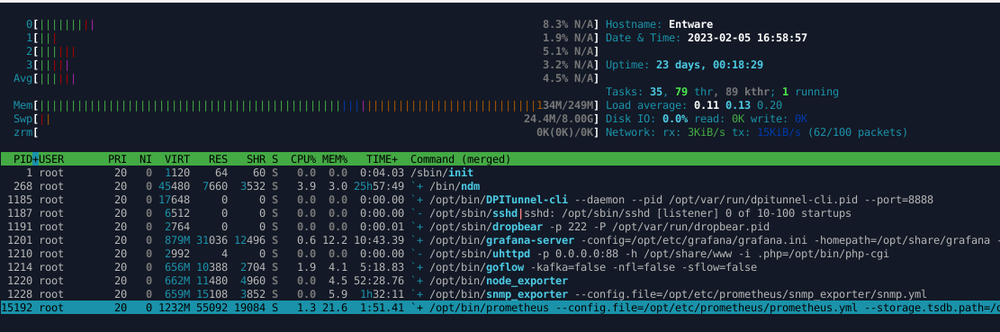
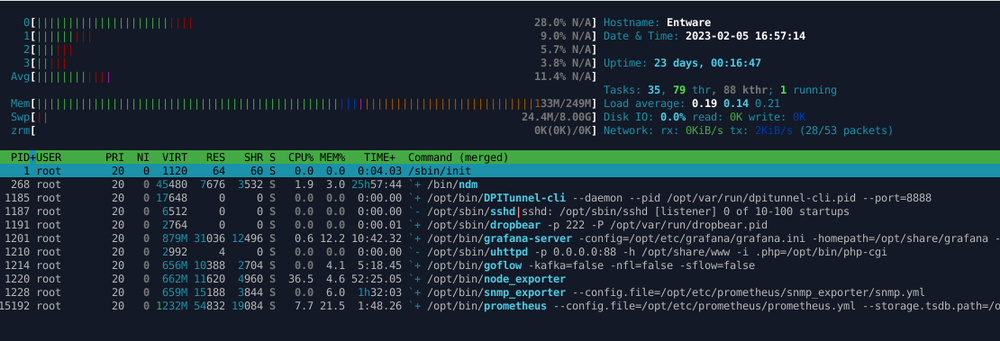
Я бы не сказал, что он много "жрёт"... )))
- 19 ответов
-
- 1
-

-
- prometheus
- metrics
- (и ещё 6 )
-
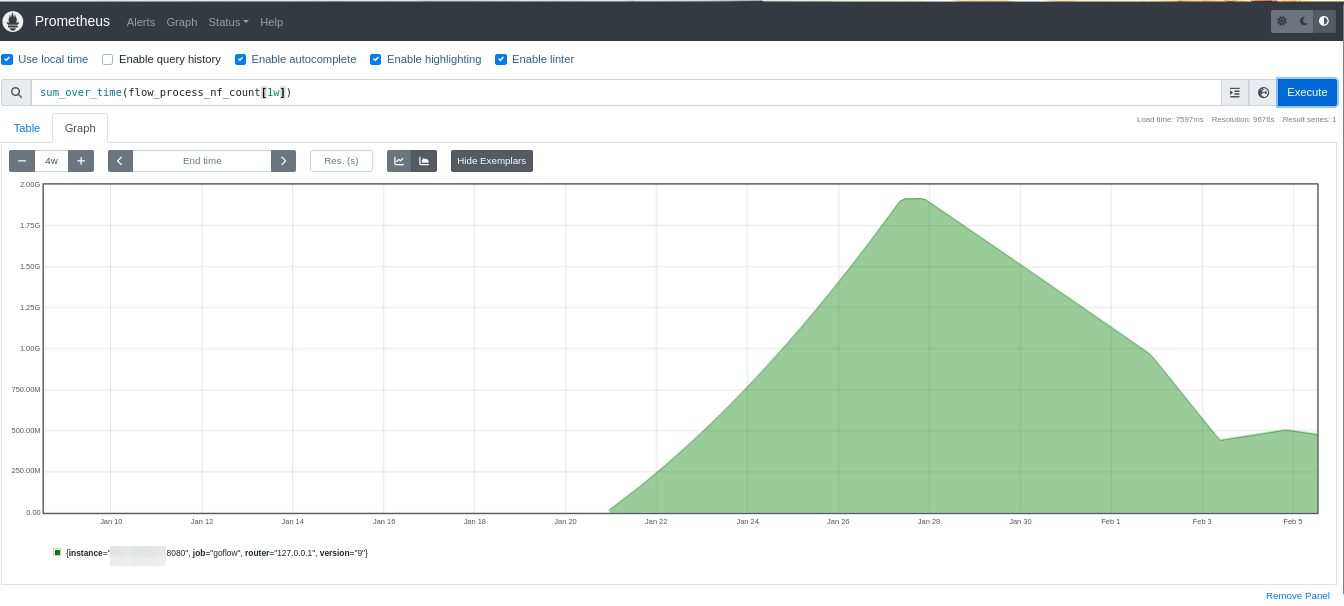
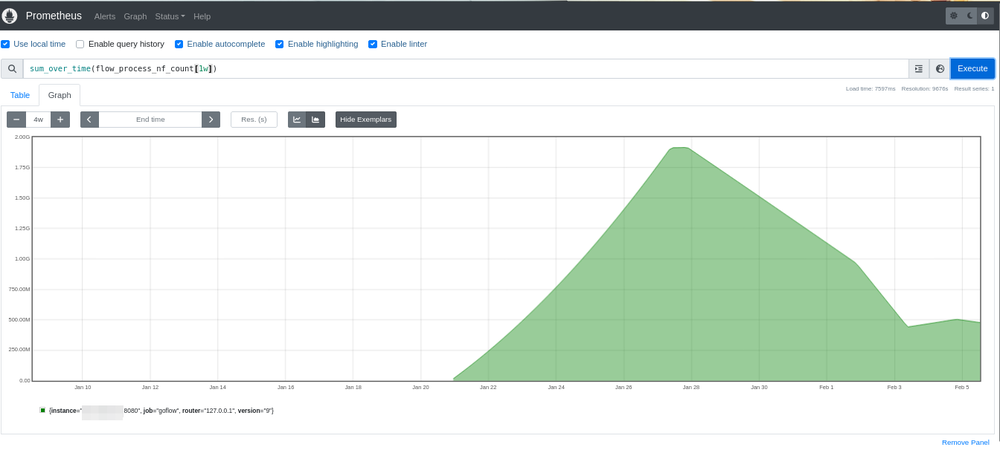
https://github.com/cloudflare/goflow#run Не? В стартовых скриптах оно есть... ~ # grep ^ARG /opt/etc/init.d/S99goflow ARGS="-kafka=false -nfl=false -sflow=false" ~ #
- 19 ответов
-
- 2
-

-
-
- prometheus
- metrics
- (и ещё 6 )
-
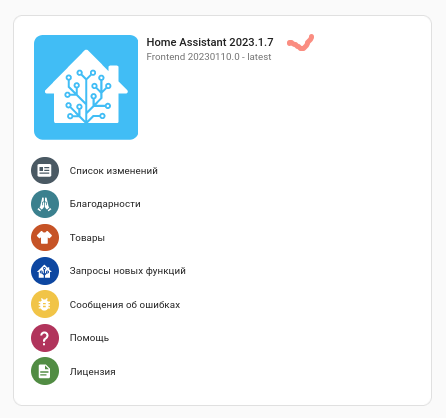
bump to 2023.1.7 (aarch64||mipsel) (прим. - отключить "zram")
-
~ # opkg list-upgradable grafana - 9.3.2-1 - 9.3.6-1 ~ #
-
Да, и по логу выше...
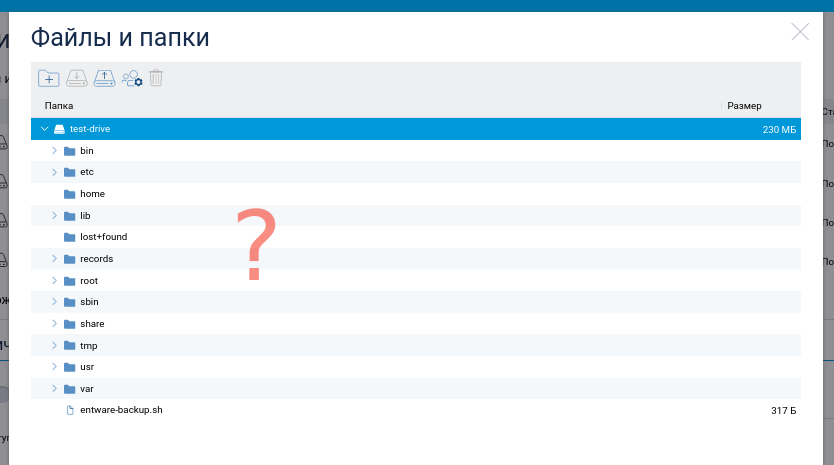
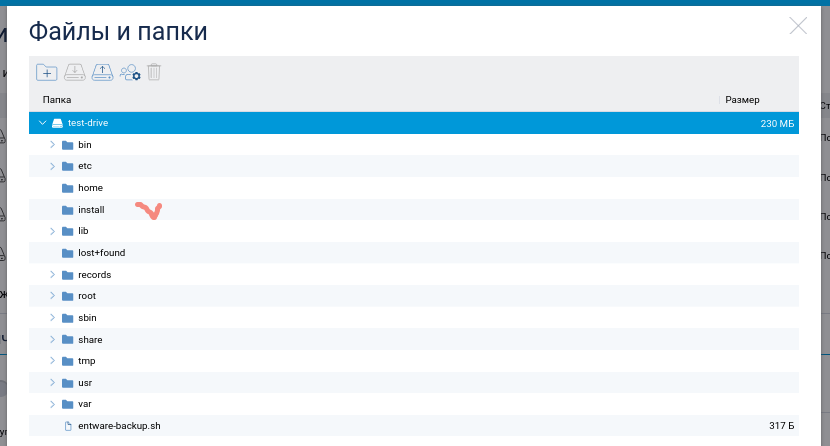
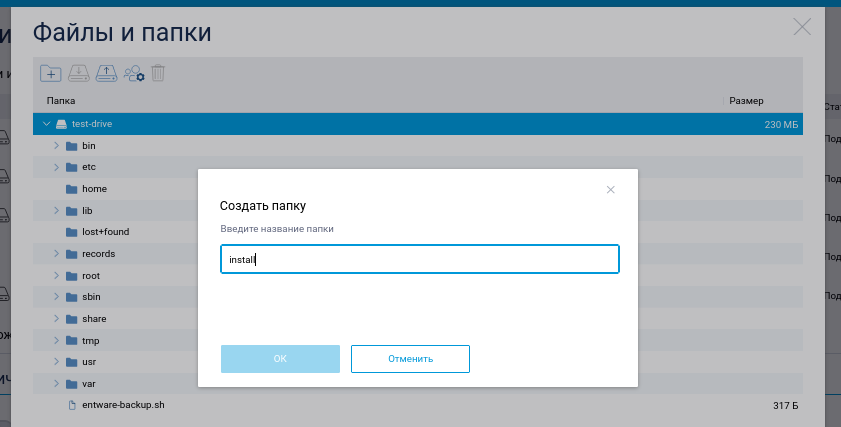
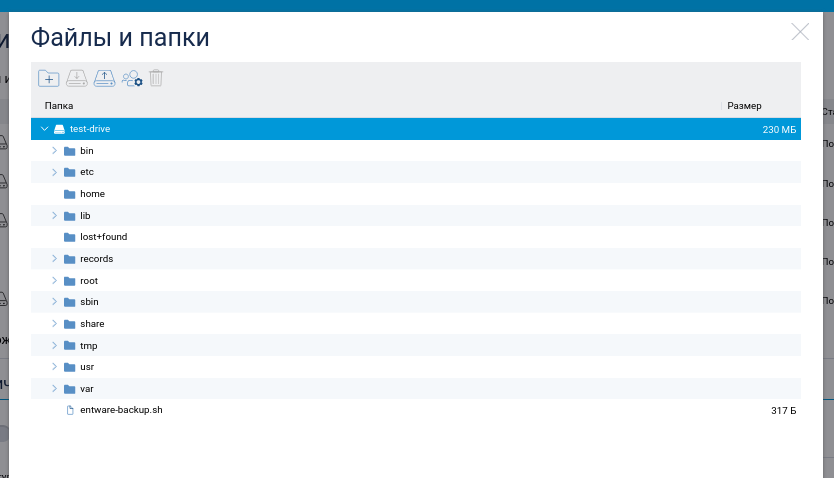
-
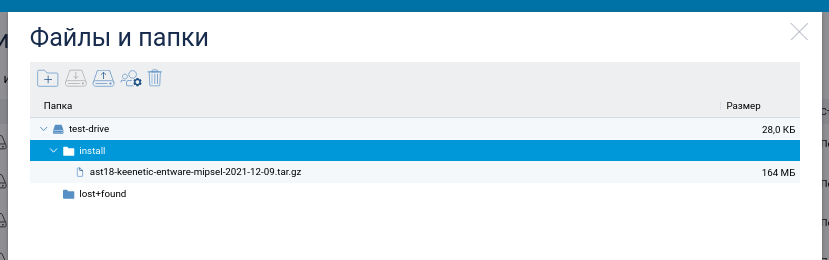
Установка поверх установленной системы. Или ставьте и настраивайте Asterisk руками (в уже установленной системе Entware), или архивом из статьи (Entware c предустановленным Asterisk).
-
Перевожу на русский Критическая ошибка: Ресурс недоступен. Проверьте настройки сети. От чего и почему не сработала команда `ping -c3 dns.google.com` (проверка ресурса по имени), мне не ведомо. Спросите у того, кто устройство настраивал, что там с настройками DNS.
-
Действительно нет! ~ # ~ # opkg list | grep -E '(libebml|libmatroska|pugixml|spdlog)' ~ # Они, как тот суслик... Никто не видит, а они есть. )))
-
ЧЯДНТ? 9999.tar https://pastebin.com/AhueqJYM my-super-prog_0.0.0-1_aarch64-3.10.ipk my-super-prog_0.0.0-1_mipsel-3.4.ipk my-super-prog_0.0.0-1_mips-3.4.ipk